Spruce Storage Room Entrance — 15×5 Minecraft Schematic
A 15×5 spruce entrance with recessed timber panels, a broad open arch and two lanterns. Four blocks deep, built for your existing survival storage room.
WorldEdit .schem available. No native .litematic file for this build.
Minecraft Java Edition · Sponge .schem
Verification details
No revision-bound verification record is currently published for this build.
A 3D preview shows appearance, not game behavior. Bedrock conversion and Litematica compatibility are not verified unless separately recorded.
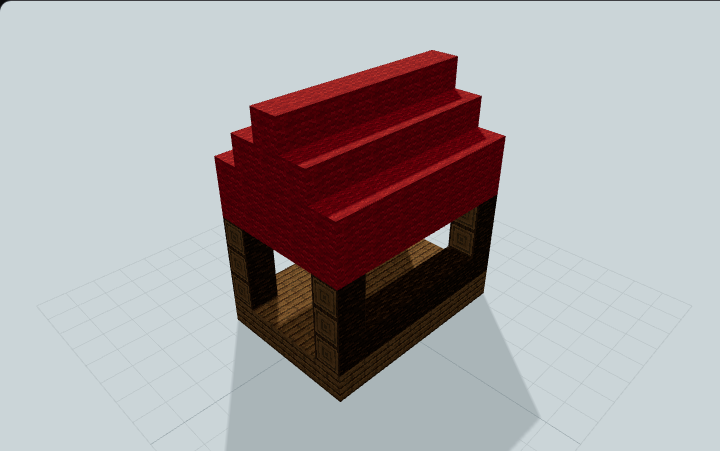
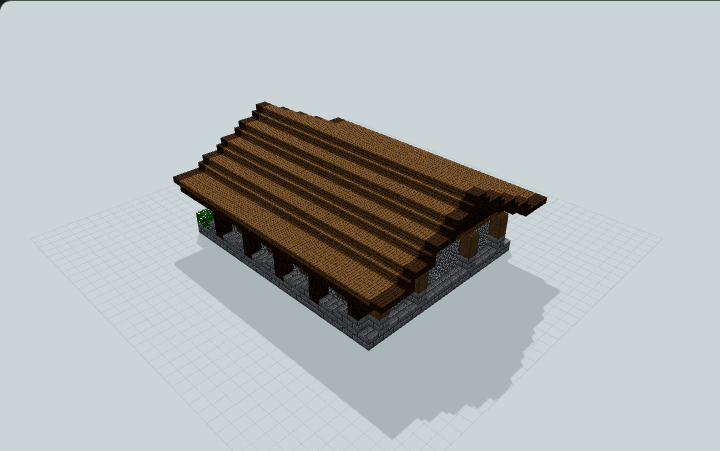
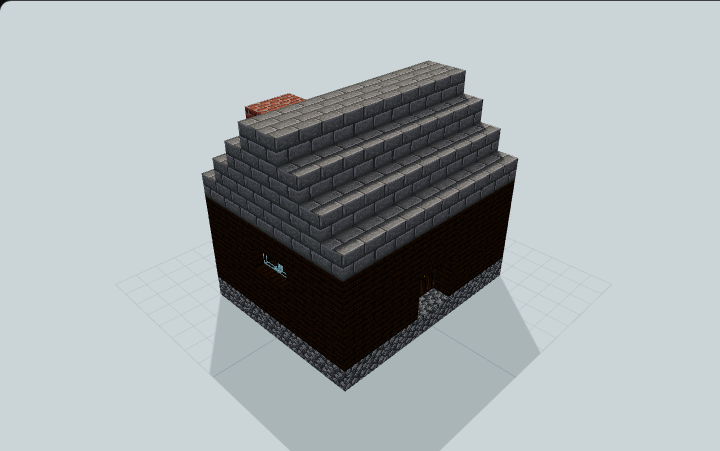
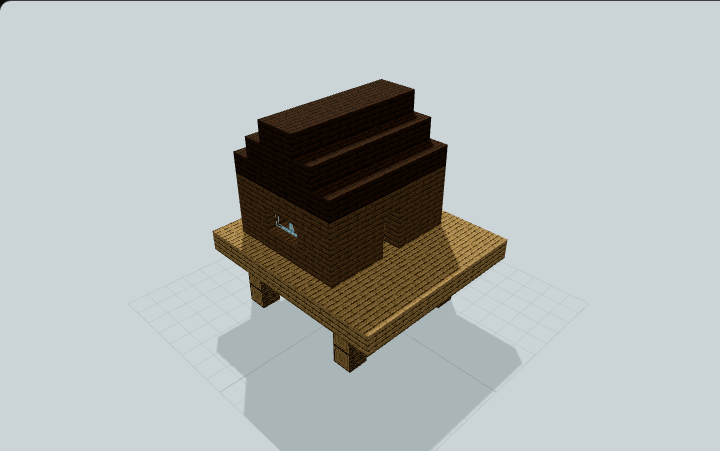
3D Preview
Attach to your storage room
Entrance module only: 15 wide × 5 high × 4 deep. The bottom masonry layer is the floor.
- 1
Prepare the opening
Reserve 15 blocks across, 5 high and 4 deep. Clear the five-wide, two-high central passage first. Set the bottom masonry layer flush with your existing floor.
- 2
Paste the schematic
Load the .schem with WorldEdit. Preview its position, then paste with //paste -a so empty space outside the timber does not erase your room.
- 3
Connect the passage
Keep the central five columns clear for two blocks above the floor, through all four depth layers and into your room. The middle three columns have three-block clearance.
No storage room or chests are included. The rear edge is flat for attachment. Two lanterns hang from the front slab eave; no redstone or rare blocks are required.
Build Facts
JSON fact sheet- Dimensions
- 15 x 5 x 4 blocks
- Compiled blocks
- 204
- Category
- other
- Updated
Curated by MinePilot from a CraftDAG component plan. Canonical page: https://www.myminepilot.com/builds/spruce-storage-room-entrance-15x5
Materials
204 blocksPlaced block counts · stack equivalents, not crafting ingredients. Expand for exact BlockStates.
 Stone Bricks781×64 + 14
minecraft:stone_bricks× 78 Spruce Log5151 / 64 stack
minecraft:spruce_log[axis=y]× 36minecraft:spruce_log[axis=x]× 15 Spruce Planks3636 / 64 stack
minecraft:spruce_planks× 36 Spruce Slab1515 / 64 stack
minecraft:spruce_slab[type=bottom,waterlogged=false]× 15 Spruce Stairs1010 / 64 stack
minecraft:spruce_stairs[facing=south,half=top,shape=straight,waterlogged=false]× 6minecraft:spruce_stairs[facing=east,half=top,shape=straight,waterlogged=false]× 2minecraft:spruce_stairs[facing=west,half=top,shape=straight,waterlogged=false]× 2 Spruce Trapdoor66 / 64 stack
minecraft:spruce_trapdoor[facing=north,half=bottom,open=true,powered=false,waterlogged=false]× 6Stripped Spruce Log66 / 64 stack
minecraft:stripped_spruce_log[axis=x]× 6 Lantern22 / 64 stack
minecraft:lantern[hanging=true,waterlogged=false]× 2Layer Guide
5 layersImport Guide
Java Edition- Download the protected
.schemfile for Spruce Storage Room Entrance — 15×5 Minecraft Schematic. - Place it in your WorldEdit or Litematica schematics folder.
- Load the schematic in-game, preview placement, then paste or build layer by layer.
Finding related builds…