Automatic Wool Farm
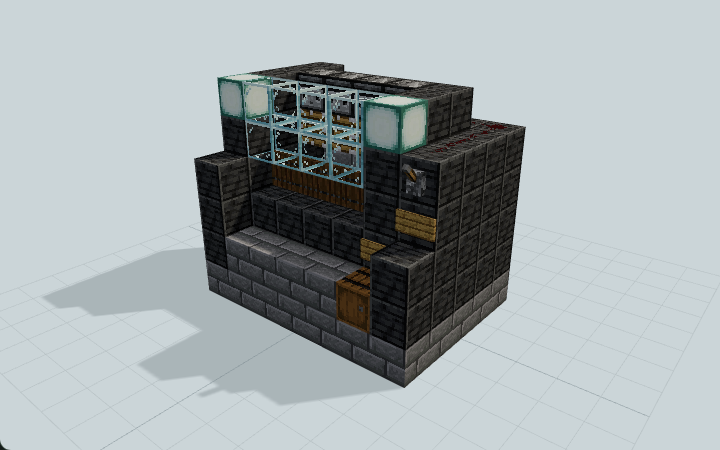
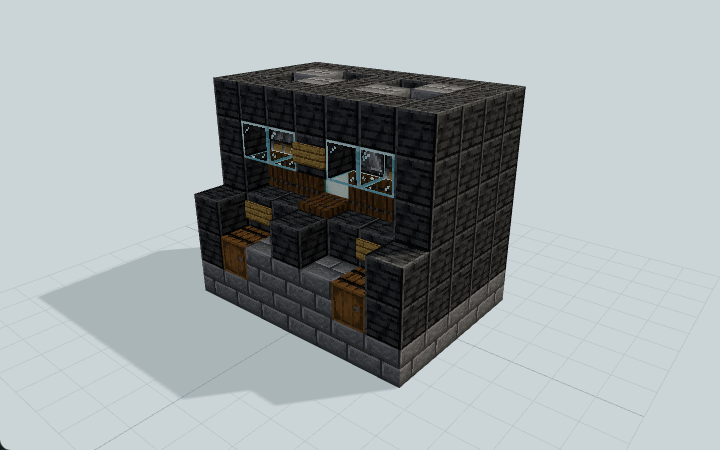
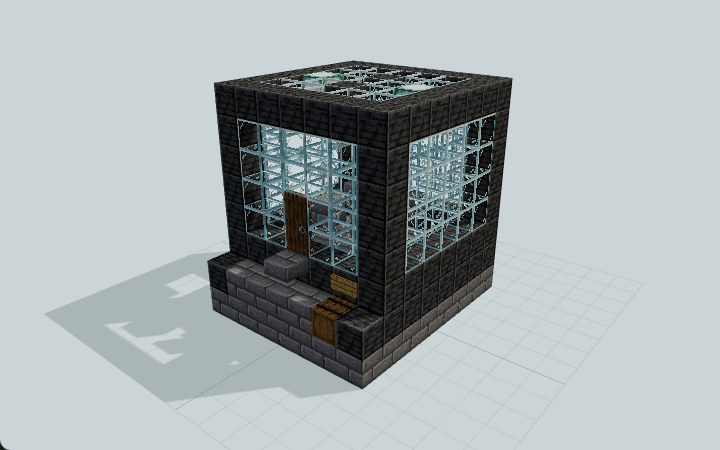
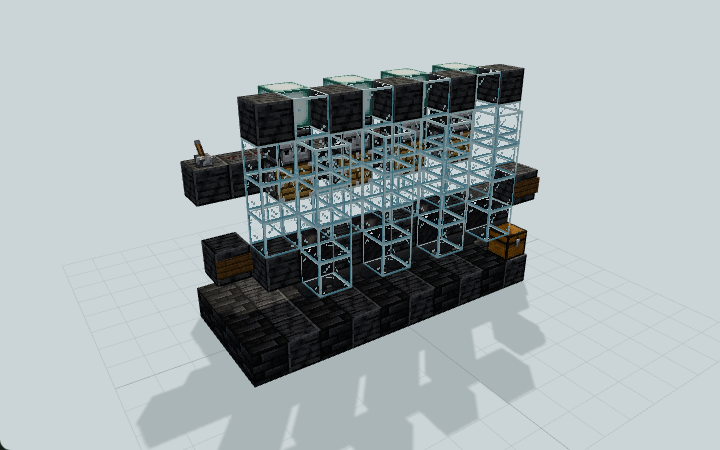
Entity-free 5x6x5 sheep shearing module pairing an 8-block grass regrowth pad, observer-fired dispenser, side shears barrel, and underfloor rail for survival wool supply.
- Minecraft Java
- Sponge .schem · Litematica .litematic
- 5 × 5 plot · 6 high
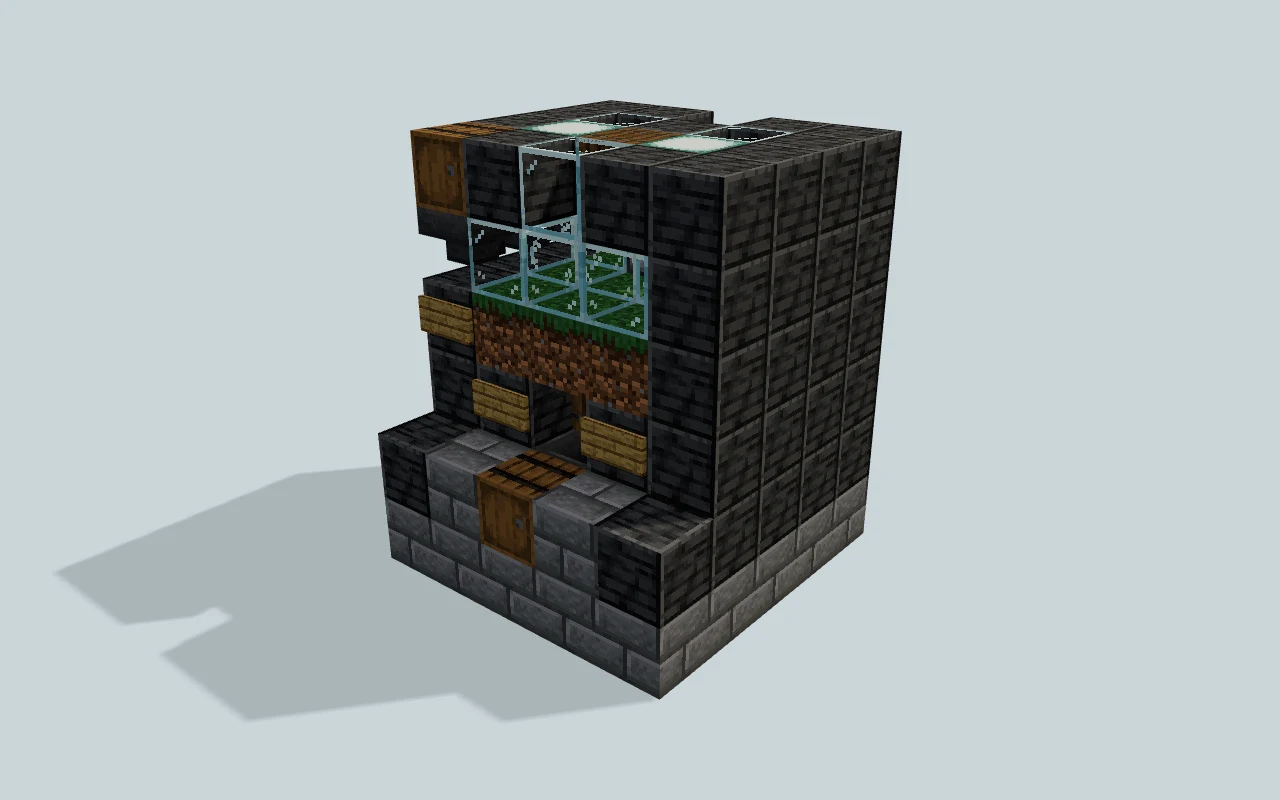
WorldEdit .schem selected. A native .litematic file is also available.
Redstone Farm
- Placed blocks
- 131
- Material families
- 13


Interactive 3D
Installation & Quick Start
Install a hopper minecart beneath the center grass block, drop shears into the elevated top-left barrel, bring one sheep into the glass pen, and empty the front-center wool barrel.
Entity-free schematic. Place 1 Minecart with Hopper on the underfloor rail through the lower front hatch, drop Shears into the top-left side barrel, and guide 1 Sheep into the glass pen via the top hatch.
Minecart and sheep entities are omitted so Sponge .schem and Litematica .litematic exports stay entity-free. Keep light near the enclosure so the 7 surrounding grass blocks regrow the center dirt block continuously. (Follow the front-center wool barrel and top-left shears barrel positions directly.)
Human reviewed through MinePilot’s existing review workflow.
Fit and import
- Install Hopper Minecart: Open the lower front spruce hatch right above the front-center barrel, place 1 Minecart with Hopper directly on the rail under the center grass block, and shut the hatch.
- Load Shears Supply: Place 1 or more Shears in the elevated top-left Shears Barrel so the side hopper line keeps the rear shearing dispenser stocked automatically.
- Bring Sheep Into Pen: Open the top spruce hatch, guide 1 Sheep (any dye color) onto the center grass block, and close the hatch. Each time the sheep grazes, the observer triggers the dispenser and the minecart pulls wool into the front-center barrel.
Choose an available file above and complete its protected download. Follow the import guide for your tool, start in a backup world and inspect the paste origin before placing the build.
Entity-free schematic; Litematica client placement unverified (parser equivalence verified). Requires 1 Minecart with Hopper, shears in the top-left barrel, and 1 sheep guided into the glass pen.
Tested with Minecraft Java 26.3 and WorldEdit 7.4.6.
Advertisement
Quick Start
Install a hopper minecart beneath the center grass block, drop shears into the elevated top-left barrel, bring one sheep into the glass pen, and empty the front-center wool barrel.
- 1
Install Hopper Minecart
Open the lower front spruce hatch right above the front-center barrel, place 1 Minecart with Hopper directly on the rail under the center grass block, and shut the hatch.
- 2
Load Shears Supply
Place 1 or more Shears in the elevated top-left Shears Barrel so the side hopper line keeps the rear shearing dispenser stocked automatically.
- 3
Bring Sheep Into Pen
Open the top spruce hatch, guide 1 Sheep (any dye color) onto the center grass block, and close the hatch. Each time the sheep grazes, the observer triggers the dispenser and the minecart pulls wool into the front-center barrel.
Minecart and sheep entities are omitted so Sponge .schem and Litematica .litematic exports stay entity-free. Keep light near the enclosure so the 7 surrounding grass blocks regrow the center dirt block continuously. (Follow the front-center wool barrel and top-left shears barrel positions directly.)
Materials & layers
131 placed blocks across 13 material families. Counts group orientation and state variants; they are placed positions, not crafting recipes. Beds and doors occupy multiple positions.
| Material | Placed |
|---|---|
| Polished Deepslate | 58 |
| Stone Bricks | 37 |
| Glass | 9 |
| Grass Block | 8 |
| Hopper | 6 |
| Oak Wall Sign | 3 |
All 13 material families and exact states
Placed block counts · stack equivalents, not crafting ingredients. Expand for exact BlockStates.
 Polished Deepslate58Placed blocks
minecraft:polished_deepslate× 58 Stone Bricks3737 / 64 stack
minecraft:stone_bricks× 37 Glass99 / 64 stack
minecraft:glass× 9 Grass Block88 / 64 stack
minecraft:grass_block[snowy=false]× 8 Hopper66 / 64 stack
minecraft:hopper[enabled=true,facing=north]× 2minecraft:hopper[enabled=true,facing=south]× 2minecraft:hopper[enabled=true,facing=west]× 2Oak Wall Sign33 / 16 stack
minecraft:oak_wall_sign[facing=north,waterlogged=false]× 3 Barrel22 / 64 stack
minecraft:barrel[facing=north,open=false]× 2 Sea Lantern2Placed blocks
minecraft:sea_lantern× 2 Spruce Trapdoor22 / 64 stack
minecraft:spruce_trapdoor[facing=north,half=bottom,open=true,powered=false,waterlogged=false]× 1minecraft:spruce_trapdoor[facing=north,half=top,open=false,powered=false,waterlogged=false]× 1Dispenser11 / 64 stack
minecraft:dispenser[facing=north,triggered=false]× 1 Observer11 / 64 stack
minecraft:observer[facing=north,powered=false]× 1 Rail11 / 64 stack
minecraft:rail[shape=north_south,waterlogged=false]× 1 Redstone Dust11 / 64 stack
minecraft:redstone_wire[east=none,north=side,power=0,south=none,west=none]× 1Layer overview · 6 of 6 occupied layers
These sampled counts show materials by Y-level, relative to the schematic. For block positions, open Layers in the 3D Playground.
- Y=0: 25 placed blocks · Stone Bricks 25
- Y=1: 25 placed blocks · Stone Bricks 12, Polished Deepslate 10, Hopper 2, Barrel 1
- Y=2: 22 placed blocks · Polished Deepslate 18, Oak Wall Sign 2, Rail 1, Spruce Trapdoor 1
- Y=3: 21 placed blocks · Polished Deepslate 11, Grass Block 8, Oak Wall Sign 1, Observer 1
- Y=4: 19 placed blocks · Polished Deepslate 7, Glass 6, Hopper 4
- Y=5: 19 placed blocks · Polished Deepslate 12, Glass 3, Sea Lantern 2, Barrel 1