Dark Wall Torch Placement and Light Check
Place and remove one supplied wall torch to compare block light at the same shaded cell.
- Minecraft Java
- Sponge .schem · Litematica .litematic
- 26 × 20 plot · 9 high
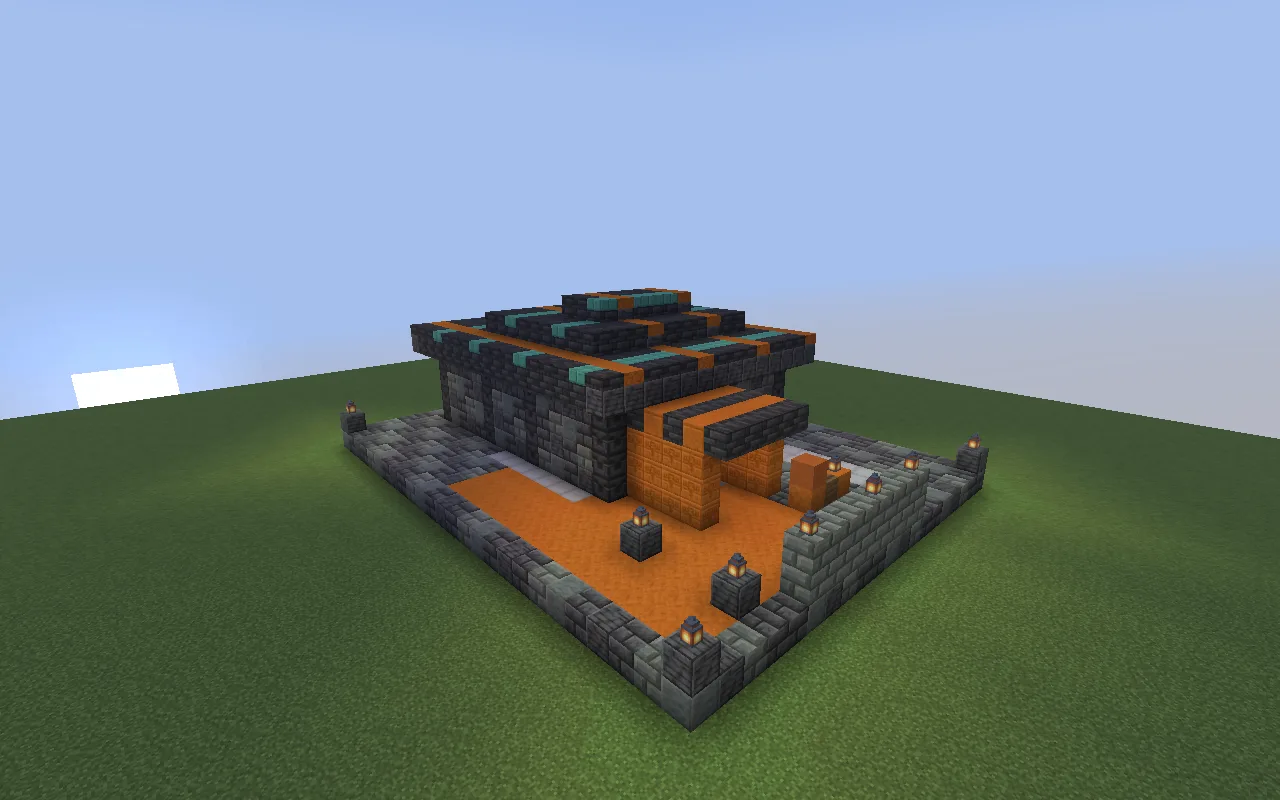
WorldEdit .schem selected. A native .litematic file is also available.
Mine wall torch check
- Placed blocks
- 1,403
- Material families
- 21


Interactive 3D
Place and use it
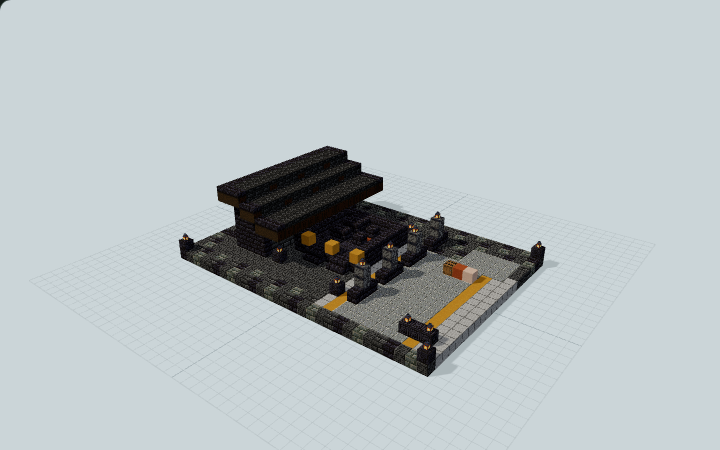
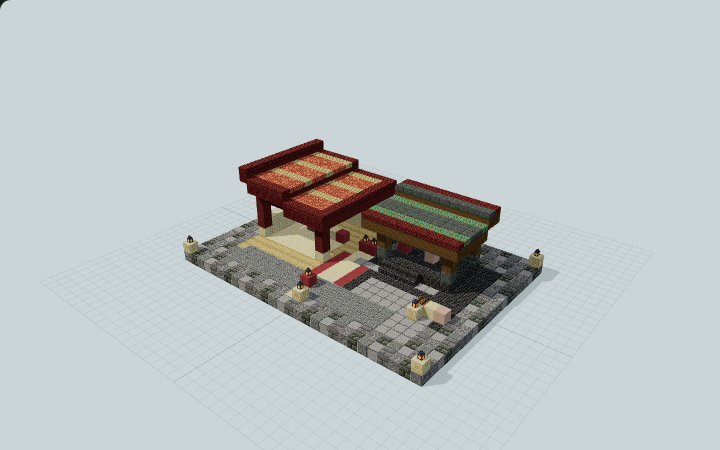
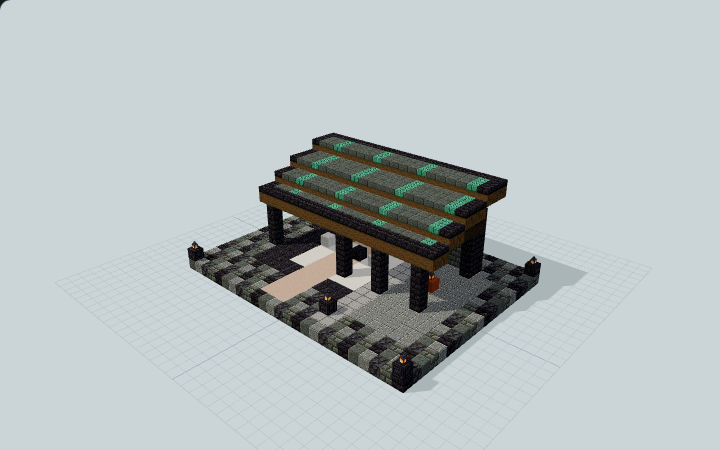
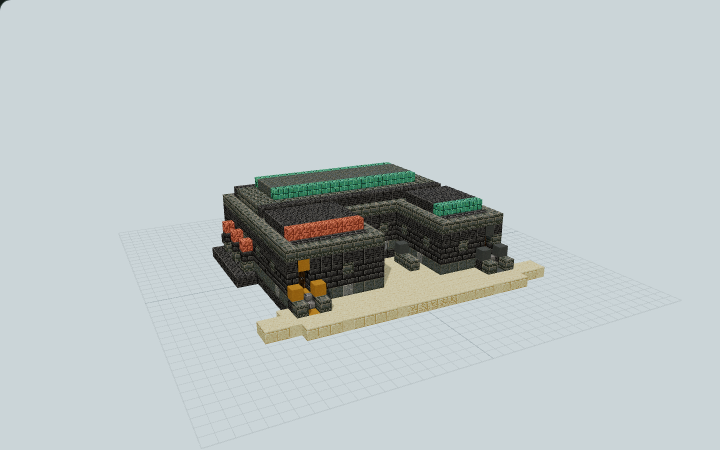
A covered stone corridor turns around a return wall to reach a shaded position.
Try one wall torch on the raised blackstone block and check the light in the same floor area before and after. The spare-supply barrel outside starts empty.
Human reviewed through MinePilot’s existing review workflow.
Fit and import
- Prepare a solid level 26 × 20 site with nine blocks of height and space in front of the orange entry. Align the lowest paving with the site. Keep that opening clear, and do not remove the roof or the interior turn if comparing light.
- Bring one ordinary torch. Walk to the far end of the entry wall, turn around it, then follow the stone floor in toward the raised blackstone support. Place the torch on its east face from the open floor. Check block light at the same point after it settles. For the tested cell, use offset (9, 2, 7) from the lower selection corner. The sample went from 0 to 11, then back to 0 after the torch was removed.
- This is a single placement test in the pasted geometry. It does not craft or supply torches, show a fixed light value for other sites, or promise mob-proof coverage. External torches could affect the starting light.
- Place the .schem with WorldEdit or the one-region .litematic with Litematica. The build was cold-placed unrotated in Minecraft Java 26.3 with WorldEdit 7.4.6+7648-00664b0 and Litematica 0.29.1 with MaLiLib 0.30.2. Those are tested versions, not minimum requirements.
Choose an available file above and complete its protected download. Follow the import guide for your tool, start in a backup world and inspect the paste origin before placing the build.
The native test measured block light 0 to 11 and back to 0 in one cell. No torch is supplied. Other sites, skylight and mob-proof coverage were not tested.
Advertisement
Materials & layers
1,403 placed blocks across 21 material families. Counts group orientation and state variants; they are placed positions, not crafting recipes. Beds and doors occupy multiple positions.
| Material | Placed |
|---|---|
| Deepslate Tiles | 251 |
| Polished Deepslate | 222 |
| Deepslate Bricks | 189 |
| Deepslate Tile Slab | 130 |
| Cut Red Sandstone | 113 |
| Tuff Bricks | 111 |
All 21 material families and exact states
Placed block counts · stack equivalents, not crafting ingredients. Expand for exact BlockStates.
 Deepslate Tiles251Placed blocks
minecraft:deepslate_tiles× 251 Polished Deepslate222Placed blocks
minecraft:polished_deepslate× 222 Deepslate Bricks1892×64 + 61
minecraft:deepslate_bricks× 189Deepslate Tile Slab1302×64 + 2
minecraft:deepslate_tile_slab[type=bottom,waterlogged=false]× 130Cut Red Sandstone113Placed blocks
minecraft:cut_red_sandstone× 113Tuff Bricks1111×64 + 47
minecraft:tuff_bricks× 111Polished Tuff96Placed blocks
minecraft:polished_tuff× 96Red Sandstone Slab681×64 + 4
minecraft:red_sandstone_slab[type=bottom,waterlogged=false]× 68Chiseled Deepslate47Placed blocks
minecraft:chiseled_deepslate× 47Waxed Oxidized Cut Copper Slab4040 / 64 stack
minecraft:waxed_oxidized_cut_copper_slab[type=bottom,waterlogged=false]× 40 Smooth Stone35Placed blocks
minecraft:smooth_stone× 35Chiseled Red Sandstone24Placed blocks
minecraft:chiseled_red_sandstone× 24 Polished Andesite22Placed blocks
minecraft:polished_andesite× 22 Polished Blackstone Bricks2121 / 64 stack
minecraft:polished_blackstone_bricks× 21Smooth Red Sandstone18Placed blocks
minecraft:smooth_red_sandstone× 18 Lantern1010 / 64 stack
minecraft:lantern[hanging=false,waterlogged=false]× 10 Polished Blackstone2Placed blocks
minecraft:polished_blackstone× 2 Barrel11 / 64 stack
minecraft:barrel[facing=west,open=false]× 1Chiseled Polished Blackstone1Placed blocks
minecraft:chiseled_polished_blackstone× 1Orange Terracotta11 / 64 stack
minecraft:orange_terracotta× 1Smooth Basalt1Placed blocks
minecraft:smooth_basalt× 1Layer overview · 9 of 9 occupied layers
These sampled counts show materials by Y-level, relative to the schematic. For block positions, open Layers in the 3D Playground.
- Y=0: 520 placed blocks · Deepslate Bricks 132, Cut Red Sandstone 89, Polished Tuff 67, Tuff Bricks 65
- Y=1: 86 placed blocks · Polished Deepslate 28, Deepslate Bricks 15, Tuff Bricks 15, Chiseled Deepslate 8
- Y=2: 85 placed blocks · Polished Deepslate 21, Tuff Bricks 17, Deepslate Bricks 14, Chiseled Deepslate 8
- Y=3: 71 placed blocks · Polished Deepslate 19, Deepslate Bricks 12, Cut Red Sandstone 9, Chiseled Red Sandstone 8
- Y=4: 75 placed blocks · Deepslate Bricks 16, Cut Red Sandstone 15, Deepslate Tiles 15, Chiseled Deepslate 8
- Y=5: 238 placed blocks · Deepslate Tiles 164, Polished Deepslate 66, Chiseled Deepslate 8
- Y=6: 220 placed blocks · Deepslate Tile Slab 74, Deepslate Tiles 60, Red Sandstone Slab 50, Waxed Oxidized Cut Copper Slab 24
- Y=7: 90 placed blocks · Deepslate Tile Slab 48, Deepslate Tiles 12, Red Sandstone Slab 12, Waxed Oxidized Cut Copper Slab 12
- Y=8: 18 placed blocks · Deepslate Tile Slab 8, Red Sandstone Slab 6, Waxed Oxidized Cut Copper Slab 4