Armor Trim Inlay and Inspection Bench
Apply a supplied armor trim and inspect the result.
- Minecraft Java
- Sponge .schem · Litematica .litematic
- 26 × 21 plot · 7 high
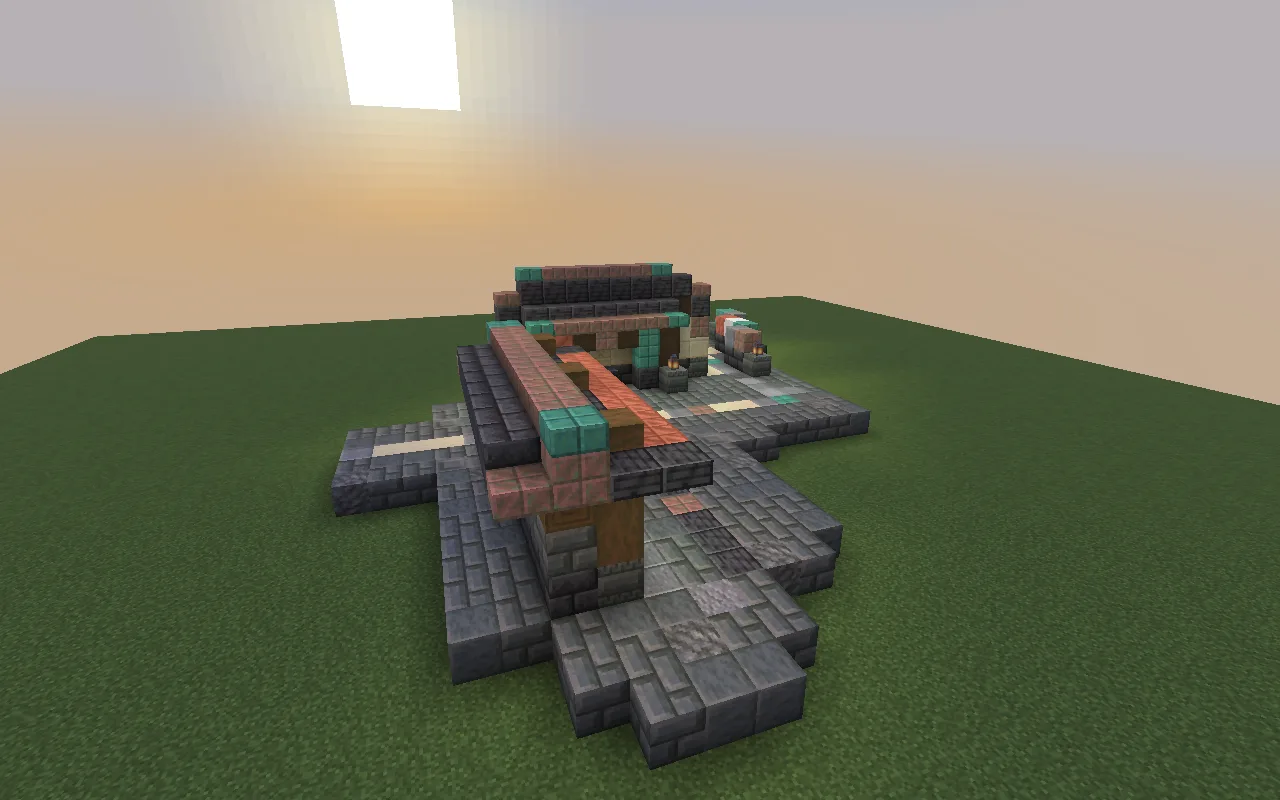
WorldEdit .schem selected. A native .litematic file is also available.
Armor trim inspection bench
- Placed blocks
- 525
- Material families
- 30


Interactive 3D
Place and use it
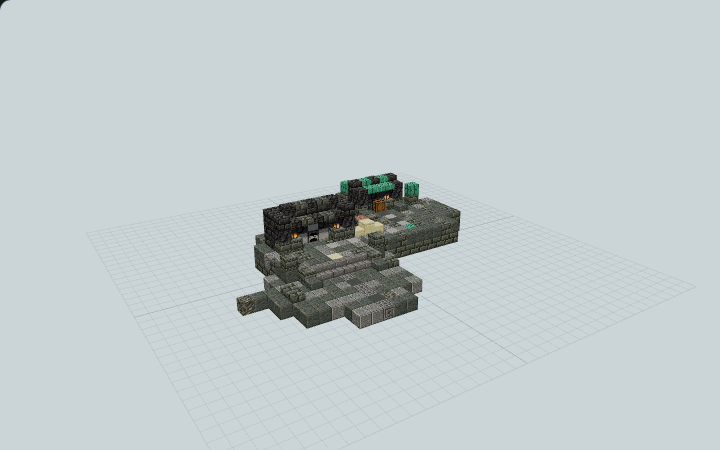
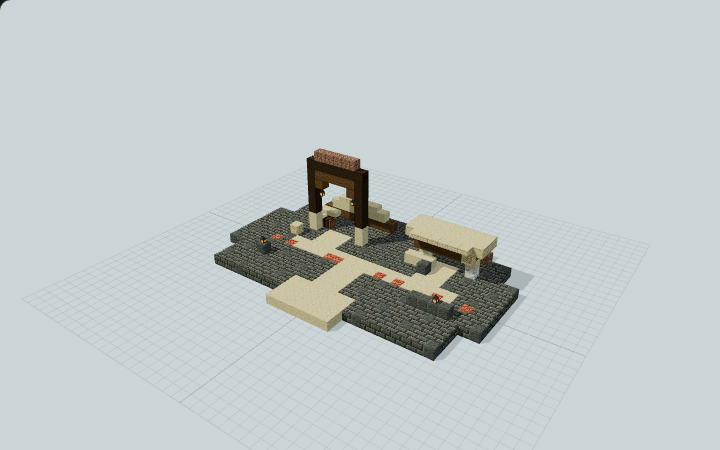
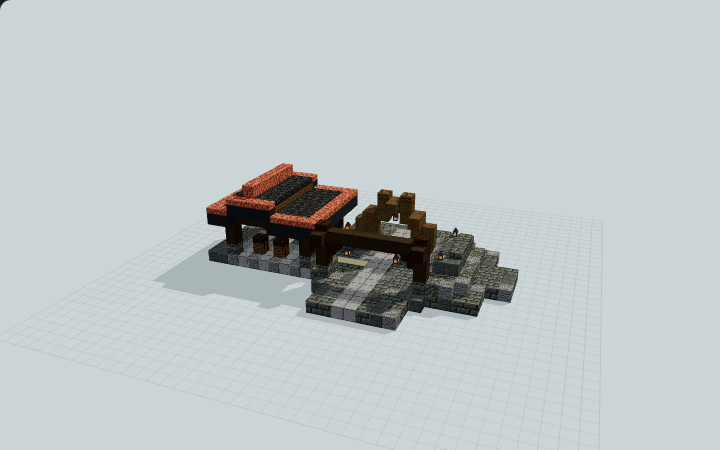
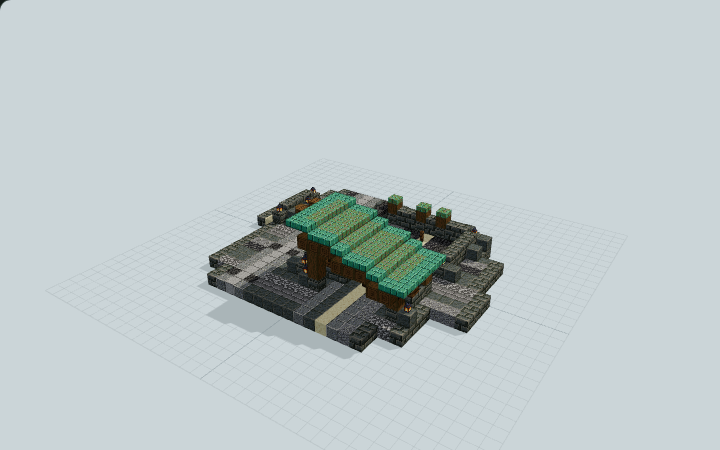
This open courtyard has two short work wings at right angles.
Unpack your supplies below the long timber eave, then follow the pale paving to the recessed smithing table. A separate paved turn leads to a low wall of copper and stone swatches where you can stop and check the finish.
Human reviewed through MinePilot’s existing review workflow.
Fit and import
- Prepare a level 26 × 21 block plot and reserve seven blocks of height. Set the lowest paving on solid ground at the intended floor level. Keep the marked north approach and the turn in front of the low swatch wall clear.
- Bring a smithing template for an armor trim, an eligible piece of armor, and a compatible trim material. For the Sentry pattern in copper, use a Sentry template, an iron helmet, and a copper ingot. Face the smithing table in its copper-edged recess and put the template, helmet, and ingot in the matching slots. Take the result when the menu shows the finished helmet.
- Follow the paving south, then turn toward the angled wall. Hover over the item in your inventory to check the trim, or wear the piece and inspect it in third person. The fixed wall swatches are architectural samples. The empty barrel stores supplies you bring. No armor, materials, templates or armor stands are included.
- For the WorldEdit schematic or the Litematica placement, align the lower selection corner with prepared ground and confirm that the paving sits at the surrounding grade. Keep both work approaches clear of neighboring builds.
- Both files were cold-placed without rotation in Minecraft Java 26.3 using WorldEdit 7.4.6+7648-00664b0 and Litematica 0.29.1 with MaLiLib 0.30.2. Those are tested versions, not minimum requirements.
Choose an available file above and complete its protected download. Follow the import guide for your tool, start in a backup world and inspect the paste origin before placing the build.
The wall swatches are fixed samples. The storage barrel is empty. No armor, materials, templates or armor stands are included.
Advertisement
Materials & layers
525 placed blocks across 30 material families. Counts group orientation and state variants; they are placed positions, not crafting recipes. Beds and doors occupy multiple positions.
| Material | Placed |
|---|---|
| Tuff Bricks | 165 |
| Polished Tuff | 59 |
| Deepslate Bricks | 34 |
| Polished Deepslate | 34 |
| Smooth Sandstone | 23 |
| Waxed Exposed Cut Copper Slab | 22 |
All 30 material families and exact states
Placed block counts · stack equivalents, not crafting ingredients. Expand for exact BlockStates.
Tuff Bricks1652×64 + 37
minecraft:tuff_bricks× 165Polished Tuff59Placed blocks
minecraft:polished_tuff× 59 Deepslate Bricks3434 / 64 stack
minecraft:deepslate_bricks× 34 Polished Deepslate34Placed blocks
minecraft:polished_deepslate× 34 Smooth Sandstone23Placed blocks
minecraft:smooth_sandstone× 23Waxed Exposed Cut Copper Slab2222 / 64 stack
minecraft:waxed_exposed_cut_copper_slab[type=bottom,waterlogged=false]× 22Chiseled Tuff Bricks2121 / 64 stack
minecraft:chiseled_tuff_bricks× 21Stripped Dark Oak Log1818 / 64 stack
minecraft:stripped_dark_oak_log[axis=z]× 10minecraft:stripped_dark_oak_log[axis=y]× 8Tuff1818 / 64 stack
minecraft:tuff× 18 Polished Andesite16Placed blocks
minecraft:polished_andesite× 16Polished Deepslate Slab1616 / 64 stack
minecraft:polished_deepslate_slab[type=bottom,waterlogged=false]× 16Stripped Spruce Log1414 / 64 stack
minecraft:stripped_spruce_log[axis=x]× 7minecraft:stripped_spruce_log[axis=y]× 4minecraft:stripped_spruce_log[axis=z]× 3Waxed Exposed Cut Copper13Placed blocks
minecraft:waxed_exposed_cut_copper× 13 Andesite9Placed blocks
minecraft:andesite× 9Waxed Cut Copper Slab88 / 64 stack
minecraft:waxed_cut_copper_slab[type=bottom,waterlogged=false]× 8 Cut Sandstone7Placed blocks
minecraft:cut_sandstone× 7 Spruce Planks77 / 64 stack
minecraft:spruce_planks× 7 Lantern66 / 64 stack
minecraft:lantern[hanging=false,waterlogged=false]× 6Waxed Oxidized Cut Copper6Placed blocks
minecraft:waxed_oxidized_cut_copper× 6Waxed Oxidized Cut Copper Slab66 / 64 stack
minecraft:waxed_oxidized_cut_copper_slab[type=bottom,waterlogged=false]× 6Cyan Terracotta55 / 64 stack
minecraft:cyan_terracotta× 5Waxed Cut Copper5Placed blocks
minecraft:waxed_cut_copper× 5Chiseled Sandstone3Placed blocks
minecraft:chiseled_sandstone× 3 Smooth Stone3Placed blocks
minecraft:smooth_stone× 3Cut Sandstone Slab22 / 64 stack
minecraft:cut_sandstone_slab[type=bottom,waterlogged=false]× 2 Barrel11 / 64 stack
minecraft:barrel[facing=south,open=false]× 1Copper Block11 / 64 stack
minecraft:copper_block× 1 Smithing Table1Placed blocks
minecraft:smithing_table× 1 Smooth Quartz1Placed blocks
minecraft:smooth_quartz× 1 Spruce Slab11 / 64 stack
minecraft:spruce_slab[type=bottom,waterlogged=false]× 1Layer overview · 7 of 7 occupied layers
These sampled counts show materials by Y-level, relative to the schematic. For block positions, open Layers in the 3D Playground.
- Y=0: 305 placed blocks · Tuff Bricks 159, Polished Tuff 59, Tuff 18, Smooth Sandstone 17
- Y=1: 47 placed blocks · Deepslate Bricks 26, Chiseled Tuff Bricks 10, Spruce Planks 5, Polished Deepslate 2
- Y=2: 43 placed blocks · Cut Sandstone 7, Cyan Terracotta 5, Lantern 4, Tuff Bricks 4
- Y=3: 32 placed blocks · Stripped Spruce Log 7, Smooth Sandstone 6, Waxed Exposed Cut Copper 5, Stripped Dark Oak Log 4
- Y=4: 71 placed blocks · Polished Deepslate 17, Polished Deepslate Slab 16, Deepslate Bricks 8, Waxed Cut Copper Slab 8
- Y=5: 20 placed blocks · Waxed Exposed Cut Copper Slab 10, Polished Deepslate 8, Waxed Oxidized Cut Copper Slab 2
- Y=6: 7 placed blocks · Waxed Exposed Cut Copper Slab 5, Waxed Oxidized Cut Copper Slab 2