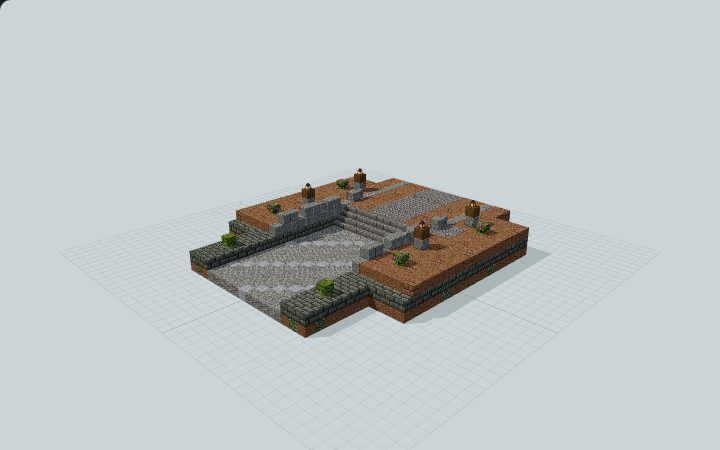
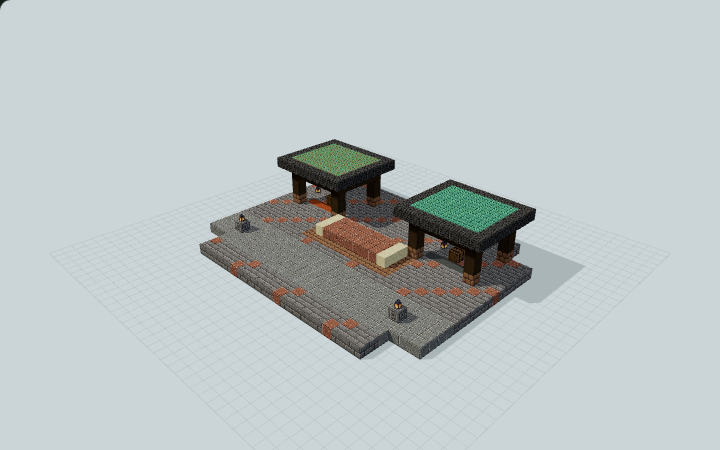
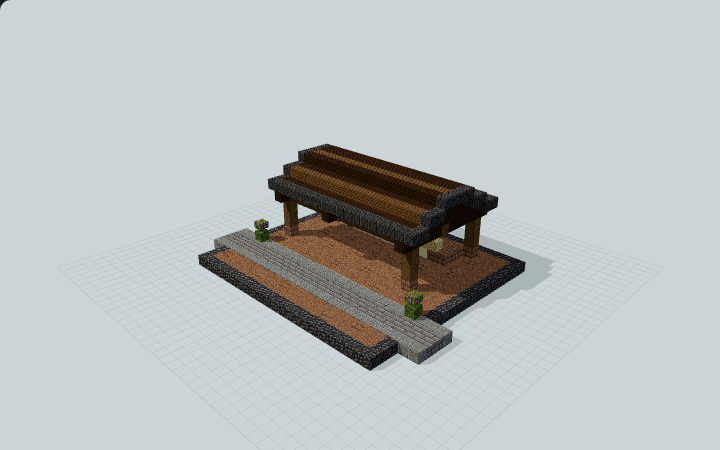
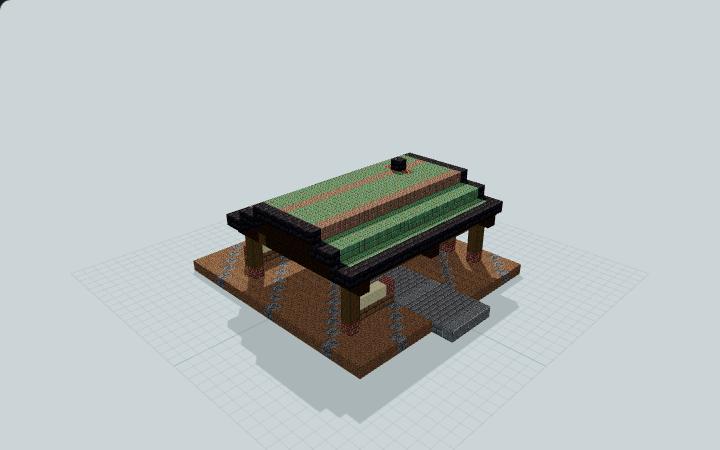
River Bank Bucket Release Pocket
This trough ships dry. Add your own water and bring a bucketed fish to release.
- Minecraft Java
- Sponge .schem · Litematica .litematic
- 29 × 27 plot · 8 high
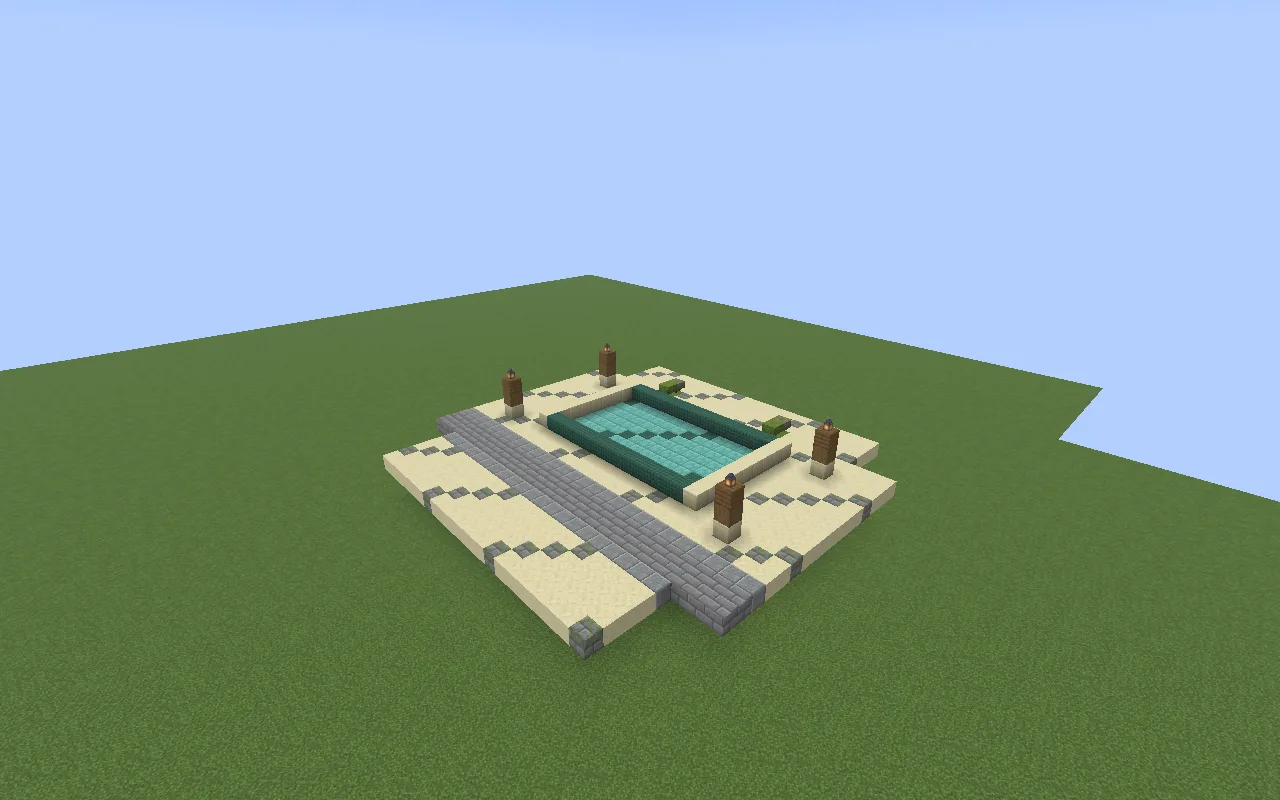
WorldEdit .schem selected. A native .litematic file is also available.
River bank bucket release pocket
- Placed blocks
- 685
- Material families
- 13


Interactive 3D
Fill the trough only after installation
Stop behind the low rim to reach the shared single trough, or continue on the dry path beside it. The blue-green floor shows where to add the water on site.
The download is dry. The two outside service edges remain walkable, and the route bypasses the trough on the south side.
A separate native fixture added water inside the rim and released one supplied bucketed cod from the reached south stance. The fish and temporary water were cleared afterward.
Human reviewed through MinePilot’s existing review workflow.
Fit and import
- Allow a flat supported 29 × 27 footprint and 8 blocks of height. Align the paving to local floor Y0, standing Y1.
- For the tested arrangement, fill only local X8–20, Z8–14 at Y1 inside the stone rim. Stand at local south center near X14.5 / Z16.5. Keep the separate south bypass open.
- The .litematic reproduces the same blocks and states in an independent parser. In Litematica, check the placement outline and align to the matching origin before building. A Litematica client import was not tested.
Choose an available file above and complete its protected download. Follow the import guide for your tool, start in a backup world and inspect the paste origin before placing the build.
The download contains no water, fish, bucket or natural river. No escape protection, recapture, long-term survival, display or breeding was tested or promised.
Advertisement
Materials & layers
685 placed blocks across 13 material families. Counts group orientation and state variants; they are placed positions, not crafting recipes. Beds and doors occupy multiple positions.
| Material | Placed |
|---|---|
| Smooth Sandstone | 364 |
| Prismarine Bricks | 80 |
| Mossy Stone Bricks | 60 |
| Stone Bricks | 54 |
| Polished Andesite | 48 |
| Dark Prismarine | 37 |
All 13 material families and exact states
Placed block counts · stack equivalents, not crafting ingredients. Expand for exact BlockStates.
 Smooth Sandstone364Placed blocks
minecraft:smooth_sandstone× 364 Prismarine Bricks801×64 + 16
minecraft:prismarine_bricks× 80 Mossy Stone Bricks6060 / 64 stack
minecraft:mossy_stone_bricks× 60 Stone Bricks5454 / 64 stack
minecraft:stone_bricks× 54 Polished Andesite48Placed blocks
minecraft:polished_andesite× 48 Dark Prismarine37Placed blocks
minecraft:dark_prismarine× 37 Cut Sandstone22Placed blocks
minecraft:cut_sandstone× 22 Lantern44 / 64 stack
minecraft:lantern[hanging=false,waterlogged=false]× 4 Moss Block44 / 64 stack
minecraft:moss_block× 4 Spruce Planks44 / 64 stack
minecraft:spruce_planks× 4Stripped Spruce Log44 / 64 stack
minecraft:stripped_spruce_log[axis=y]× 4Azalea2Placed blocks
minecraft:azalea× 2Flowering Azalea2Placed blocks
minecraft:flowering_azalea× 2Layer overview · 5 of 5 occupied layers
These sampled counts show materials by Y-level, relative to the schematic. For block positions, open Layers in the 3D Playground.
- Y=0: 621 placed blocks · Smooth Sandstone 364, Prismarine Bricks 80, Mossy Stone Bricks 60, Stone Bricks 54
- Y=1: 52 placed blocks · Dark Prismarine 26, Cut Sandstone 22, Azalea 2, Flowering Azalea 2
- Y=2: 4 placed blocks · Stripped Spruce Log 4
- Y=3: 4 placed blocks · Spruce Planks 4
- Y=4: 4 placed blocks · Lantern 4