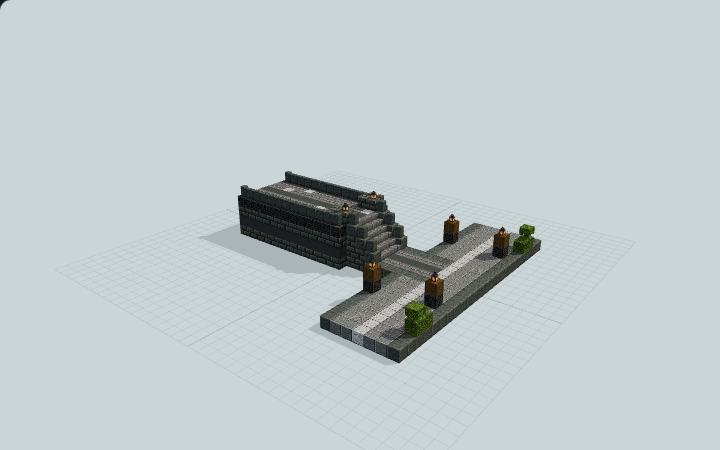
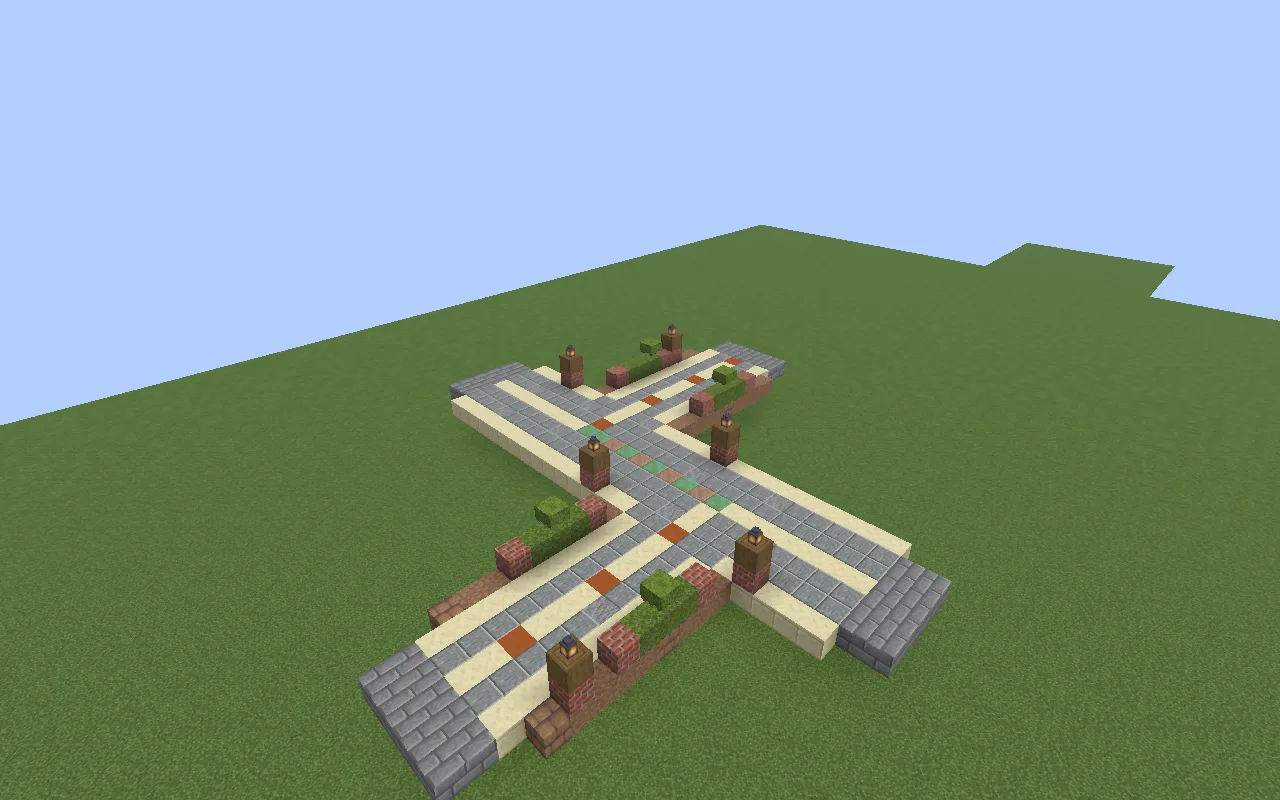
Offset Double-T Pedestrian Junction
Continue straight along one sidewalk or turn onto either of two side streets that meet it at different places.
- Minecraft Java
- Sponge .schem · Litematica .litematic
- 27 × 25 plot · 7 high
WorldEdit .schem selected. A native .litematic file is also available.
Staggered pedestrian junction
- Placed blocks
- 353
- Material families
- 14


Interactive 3D
Two corners that share one short sidewalk
Keep walking north or south on the pale center line. The east and west streets enter at different points, so turn at the first junction or continue along the short shared section to the next.
The east street meets the main walk at local Z7 and the west street at Z16. Copper markers pick out their shared section. All four ends have the same walking height.
A Java 26.3 Survival walk crossed all four connections to matching test pavement. It walked the straight stem, the separate corners and the same routes back.
Human reviewed through MinePilot’s existing review workflow.
Fit and import
- Allow a supported envelope 27 blocks wide, 25 deep and 7 high. Face the north seam at Z0 and match all four walks to local floor Y0, where a player stands at Y1.
- Center your north and south walks on local X13, the east one on Z7 and the west one on Z16. Leave the corners clear. A clean flat WorldEdit paste and short matching host pavement at all four ends were tested. The host pavement is not part of the schematic.
- The .litematic reproduces the same blocks and states in an independent parser. In Litematica, check the placement outline and align to the matching origin before building. A Litematica client import was not tested.
Choose an available file above and complete its protected download. Follow the import guide for your tool, start in a backup world and inspect the paste origin before placing the build.
For ordinary on-foot play. No roads beyond the four edges, vehicles, automatic traffic or real-world accessibility claim.
Advertisement
Materials & layers
353 placed blocks across 14 material families. Counts group orientation and state variants; they are placed positions, not crafting recipes. Beds and doors occupy multiple positions.
| Material | Placed |
|---|---|
| Polished Andesite | 132 |
| Cut Sandstone | 80 |
| Smooth Sandstone | 34 |
| Packed Mud | 30 |
| Bricks | 14 |
| Andesite | 12 |
All 14 material families and exact states
Placed block counts · stack equivalents, not crafting ingredients. Expand for exact BlockStates.
 Polished Andesite132Placed blocks
minecraft:polished_andesite× 132 Cut Sandstone80Placed blocks
minecraft:cut_sandstone× 80 Smooth Sandstone34Placed blocks
minecraft:smooth_sandstone× 34Packed Mud30Placed blocks
minecraft:packed_mud× 30 Bricks1414 / 64 stack
minecraft:bricks× 14 Andesite12Placed blocks
minecraft:andesite× 12 Moss Block1212 / 64 stack
minecraft:moss_block× 12Orange Terracotta77 / 64 stack
minecraft:orange_terracotta× 7 Lantern66 / 64 stack
minecraft:lantern[hanging=false,waterlogged=false]× 6Mud Bricks66 / 64 stack
minecraft:mud_bricks× 6Stripped Spruce Log66 / 64 stack
minecraft:stripped_spruce_log[axis=y]× 6Waxed Weathered Copper6Placed blocks
minecraft:waxed_weathered_copper× 6Azalea4Placed blocks
minecraft:azalea× 4Waxed Exposed Copper4Placed blocks
minecraft:waxed_exposed_copper× 4Layer overview · 4 of 4 occupied layers
These sampled counts show materials by Y-level, relative to the schematic. For block positions, open Layers in the 3D Playground.
- Y=0: 311 placed blocks · Polished Andesite 132, Cut Sandstone 80, Smooth Sandstone 34, Packed Mud 30
- Y=1: 26 placed blocks · Bricks 14, Moss Block 12
- Y=2: 10 placed blocks · Stripped Spruce Log 6, Azalea 4
- Y=3: 6 placed blocks · Lantern 6