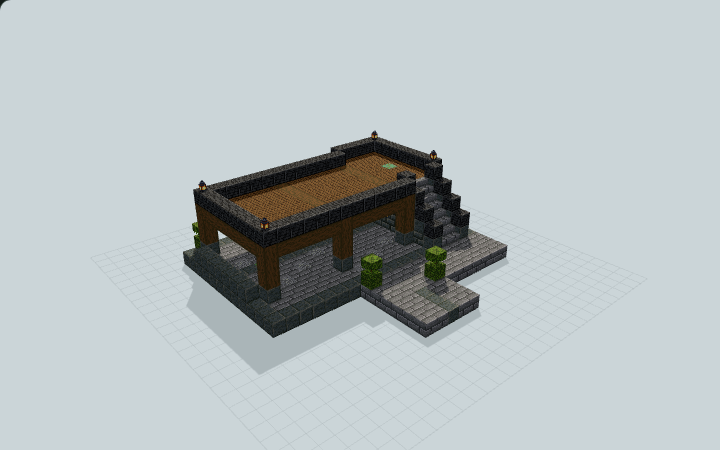
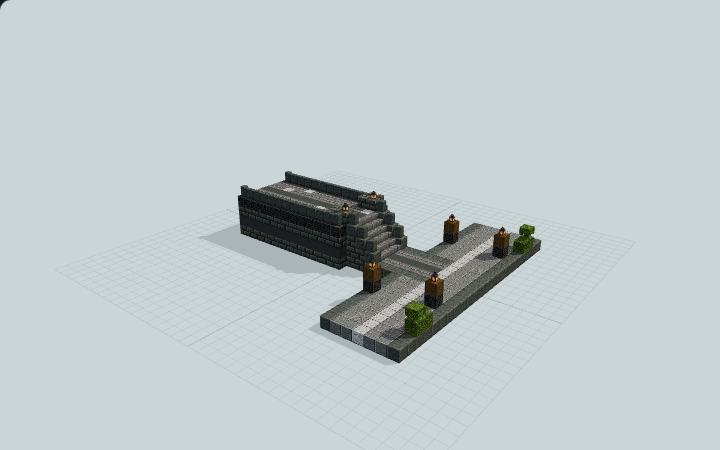
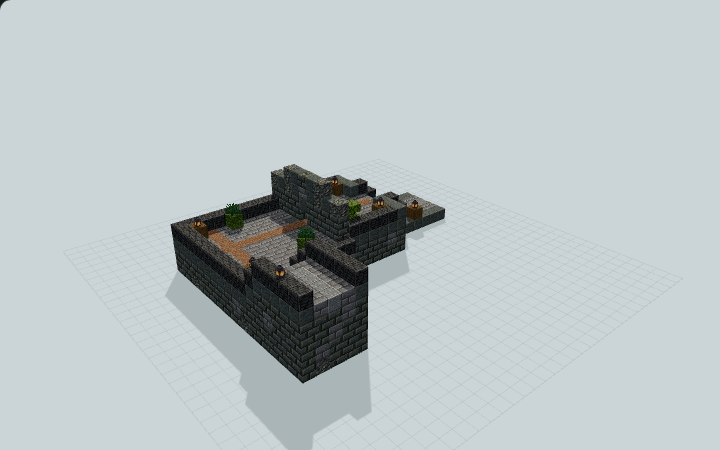
Stone Fin Corner Lookout
Choose an east-facing open pad or a south-facing framed stop and return by the same level trail.
- Minecraft Java
- Sponge .schem · Litematica .litematic
- 26 × 25 plot · 8 high
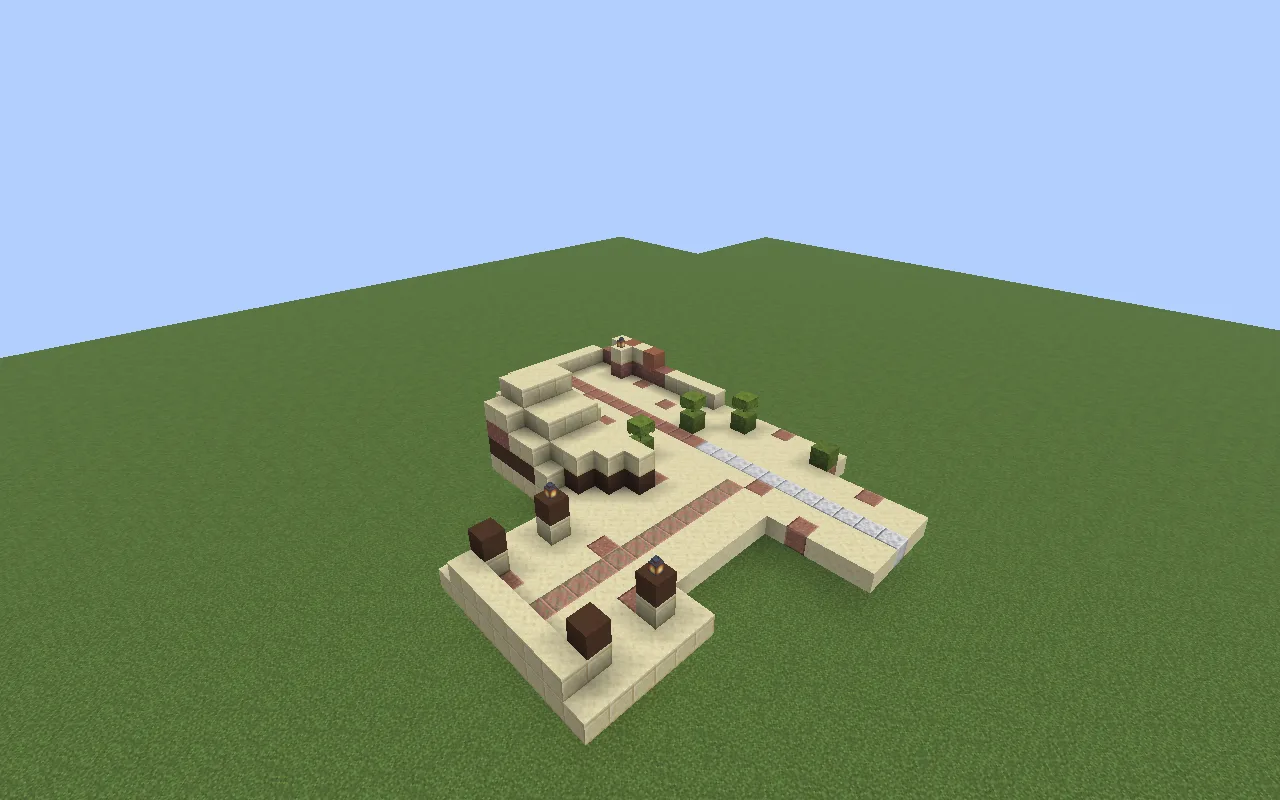
WorldEdit .schem selected. A native .litematic file is also available.
Two-direction ground-level lookout
- Placed blocks
- 441
- Material families
- 11


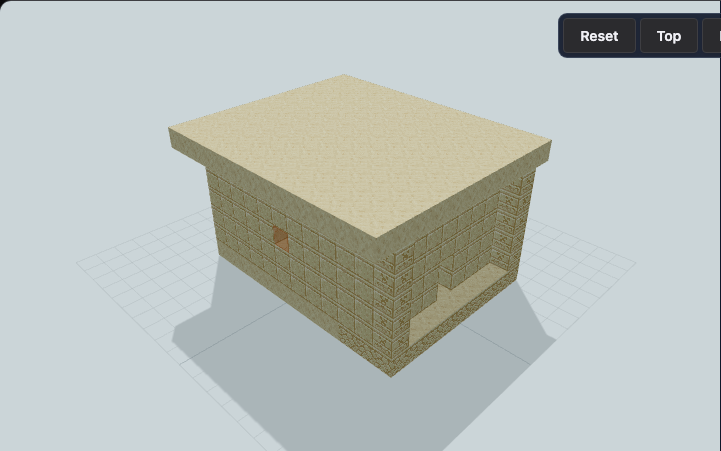
Interactive 3D
Two ends at the same height
Follow the pale trail to the fork. Turn toward the open east pad or continue beside the stone fin to reach the south-facing stop.
The fin stands between the two stops. The east pad flares outward to an open edge. The south path follows raised stone sides. Both stop at a low end edge and lead back to the same fork.
On a flat Java 26.3 test site, the same Survival player walked to both end positions and back to the entrance without climbing. Eye-height captures and straight-ahead sight checks used the east and south directions at those standing blocks.
Human reviewed through MinePilot’s existing review workflow.
Fit and import
- Use a supported envelope 26 blocks wide, 25 deep and 8 high. Match the north trail to local floor Y0, standing Y1. Leave both lookout edges unobstructed at eye height.
- The east stop is at local X21, Z7 and the south stop at X10, Z20. Line up the structure with open sight directions in your world. The exact WorldEdit paste was tested on dry, level ground.
- The .litematic reproduces the same blocks and states in an independent parser. In Litematica, check the placement outline and align to the matching origin before building. A Litematica client import was not tested.
Choose an available file above and complete its protected download. Follow the import guide for your tool, start in a backup world and inspect the paste origin before placing the build.
This is a path end, not a bridge or through route. The supplied structure does not include landscape or guarantee anything is visible beyond the tested local sight lines.
Advertisement
Materials & layers
441 placed blocks across 11 material families. Counts group orientation and state variants; they are placed positions, not crafting recipes. Beds and doors occupy multiple positions.
| Material | Placed |
|---|---|
| Smooth Sandstone | 164 |
| Cut Sandstone | 154 |
| Brown Terracotta | 29 |
| Bricks | 28 |
| Polished Granite | 27 |
| Waxed Exposed Copper | 12 |
All 11 material families and exact states
Placed block counts · stack equivalents, not crafting ingredients. Expand for exact BlockStates.
 Smooth Sandstone164Placed blocks
minecraft:smooth_sandstone× 164 Cut Sandstone154Placed blocks
minecraft:cut_sandstone× 154Brown Terracotta2929 / 64 stack
minecraft:brown_terracotta× 29 Bricks2828 / 64 stack
minecraft:bricks× 28 Polished Granite27Placed blocks
minecraft:polished_granite× 27Waxed Exposed Copper12Placed blocks
minecraft:waxed_exposed_copper× 12Polished Diorite11Placed blocks
minecraft:polished_diorite× 11 Terracotta55 / 64 stack
minecraft:terracotta× 5 Lantern44 / 64 stack
minecraft:lantern[hanging=false,waterlogged=false]× 4 Moss Block44 / 64 stack
minecraft:moss_block× 4Azalea3Placed blocks
minecraft:azalea× 3Layer overview · 5 of 5 occupied layers
These sampled counts show materials by Y-level, relative to the schematic. For block positions, open Layers in the 3D Playground.
- Y=0: 302 placed blocks · Smooth Sandstone 164, Cut Sandstone 88, Polished Granite 27, Waxed Exposed Copper 12
- Y=1: 70 placed blocks · Cut Sandstone 33, Brown Terracotta 25, Bricks 8, Moss Block 4
- Y=2: 45 placed blocks · Cut Sandstone 19, Bricks 14, Terracotta 5, Brown Terracotta 4
- Y=3: 18 placed blocks · Cut Sandstone 8, Bricks 6, Lantern 4
- Y=4: 6 placed blocks · Cut Sandstone 6