
Minecraft Litematica Schematics
Find free native .litematic files for Minecraft Java Edition. Compare footprints and previews, then open a build and select Litematica (.litematic) in its download menu.
Browse native downloads
Showing 409–412 of 412 builds. Dimensions are width × height × length.
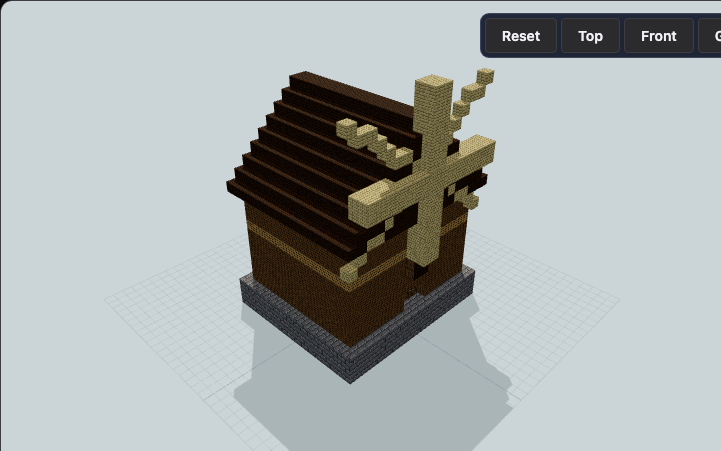
Windmill Granary Barn
A raised stone grain store carries a timber sail mast and four external blades above broad farm doors. Designed for crop farms and medieval villages needing a milling landmark.
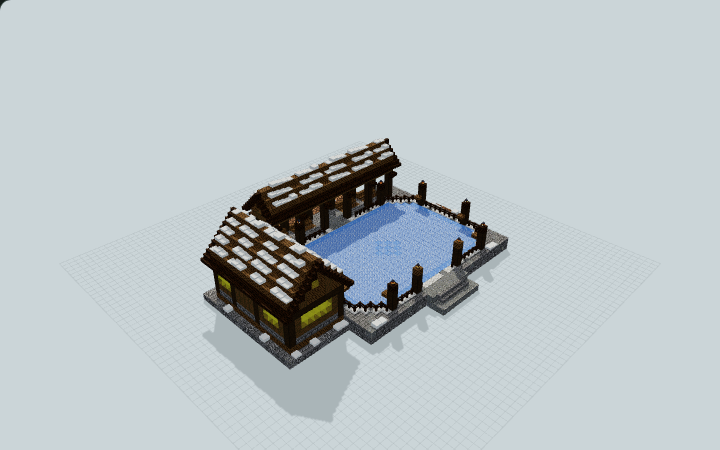
Winter Ice-Skating Pavilion
A lantern-lined packed-ice court comes with covered seating and a warming lodge with gear storage for a village or server hub.
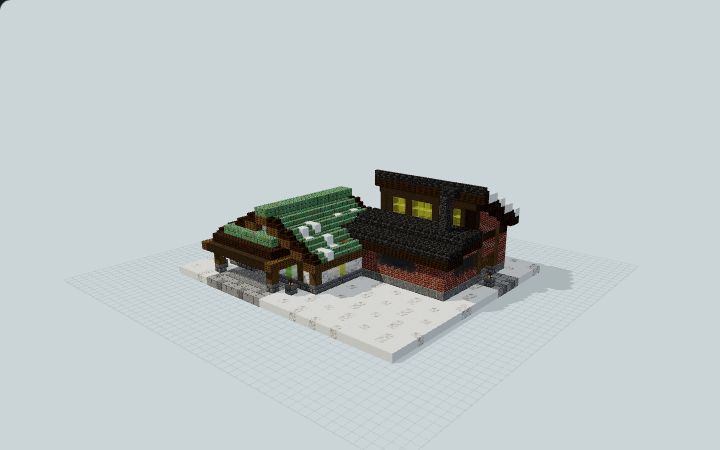
Winter Lantern Glassworks
A snowy copper gallery and lantern arcade connect to a brick workroom with stock racks, sample benches and a decorative kiln for a winter village street.
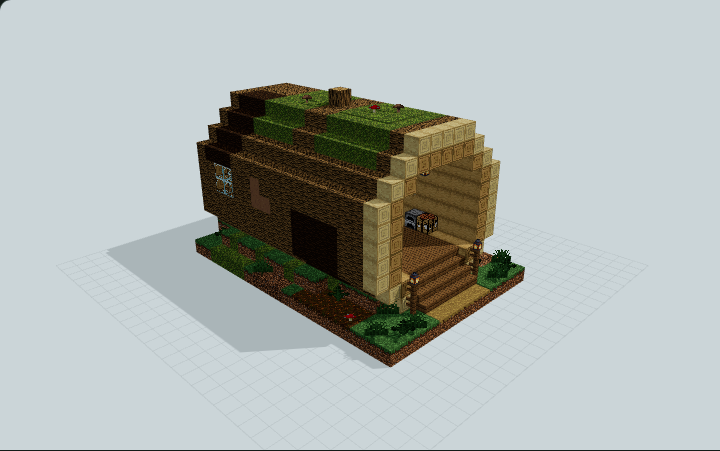
Woodland Fallen-Log Hollow Home
Hollow oak fallen log on a mossy forest floor with an open stepped end, a plank-door sleeping alcove, tool niche, crafting, furnace and chests, built as a micro starter base for survival worlds
Choose the right Java file
Use .litematic to view a hologram or follow a single layer in Litematica. Use .schem to paste with WorldEdit. Check the build page for version and placement notes. For a large build, confirm the footprint and height in a test world first.
Load your first schematic
Install matching versions of Litematica and MaLiLib. Save the downloaded file in your Minecraft instance’s schematics folder, open Load Schematics, and enable Create a placement before loading.