Automatic Kelp Farm
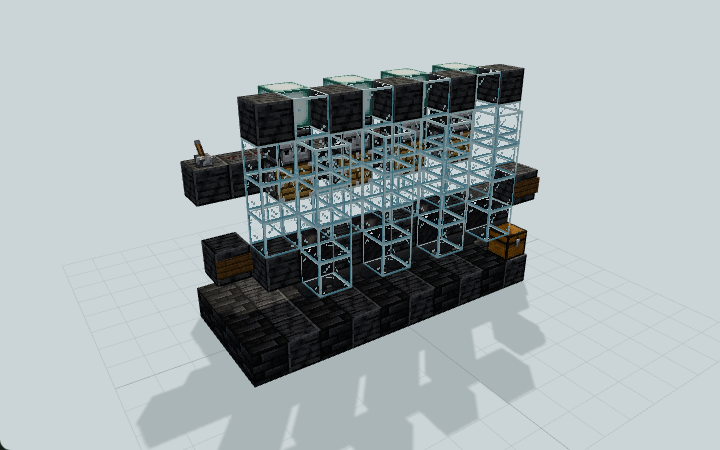
Harvest naturally grown kelp into one output barrel.
- Minecraft Java
- Sponge .schem · Litematica .litematic
- 7 × 8 plot · 5 high
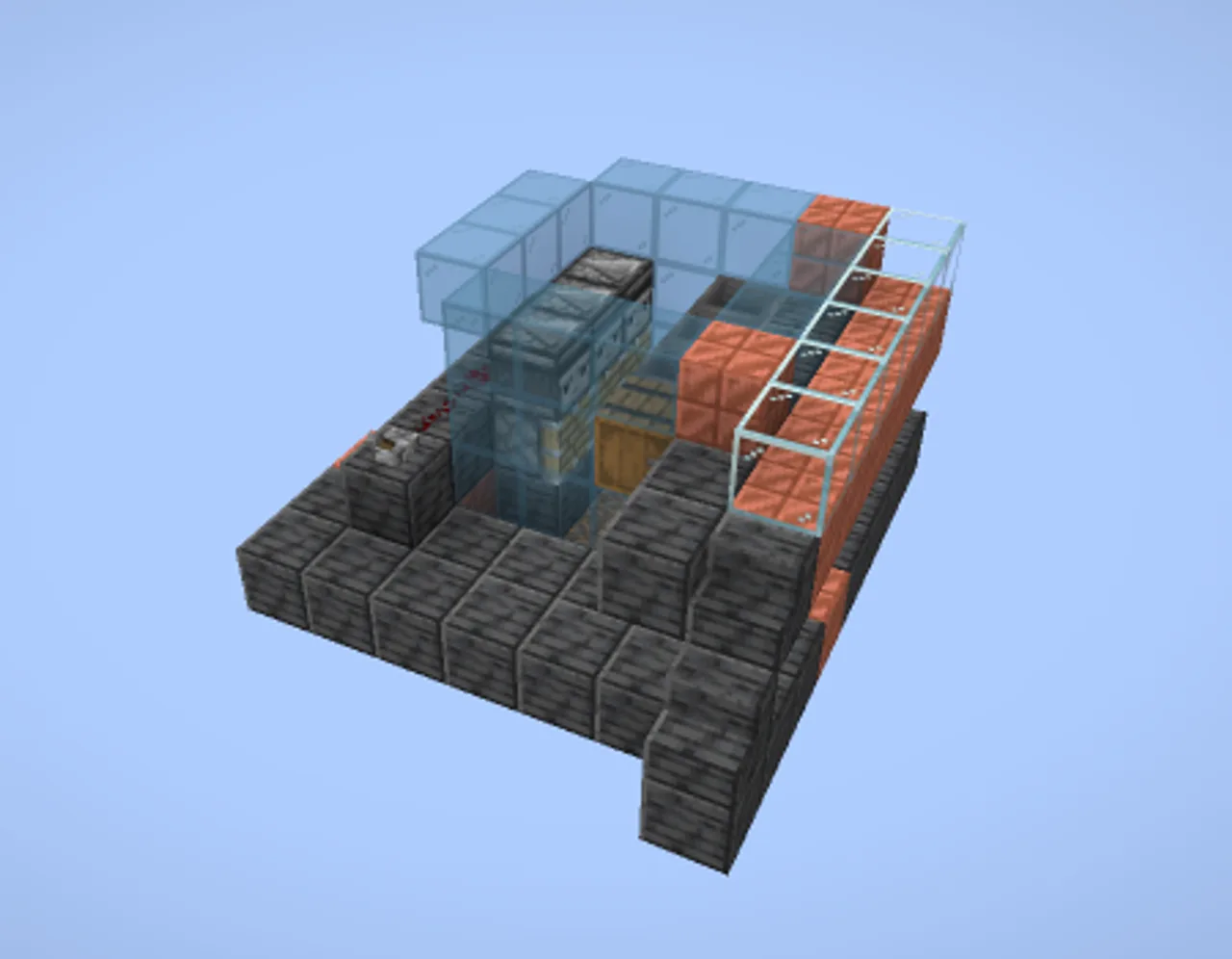
WorldEdit .schem selected. A native .litematic file is also available.
Automatic kelp farm
- Placed blocks
- 113
- Material families
- 12


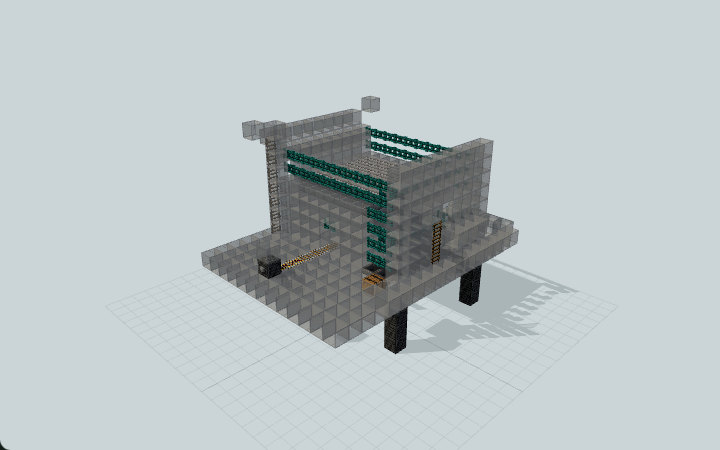
Interactive 3D
Grow, harvest and collect kelp
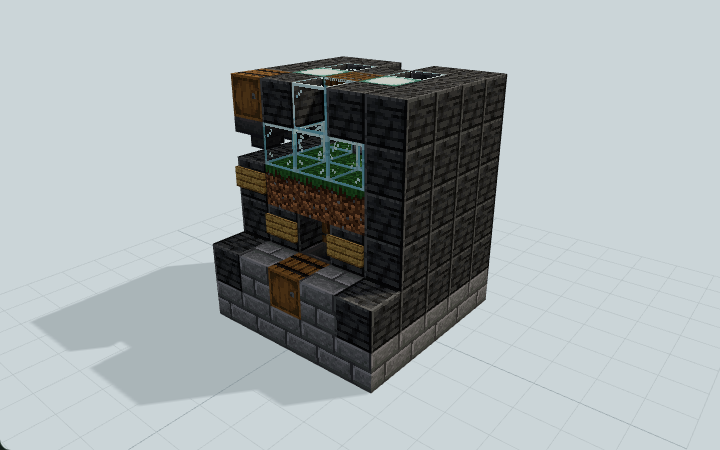
Harvest naturally grown kelp into a collection barrel. The dry tank and service ledge are useful for a small base’s renewable supplies.
Plant kelp after filling the dry tank. Observers detect taller growth and pistons cut above the roots. Water carries the drops toward the collection hoppers. The lever extends the pistons when you need to pause growth for maintenance.
Human reviewed through MinePilot’s existing review workflow.
Fit and import
- Allow 7 × 5 × 8 blocks. Put the file in WorldEdit’s schematics folder. Use the northwest bottom corner as the origin and keep the stairs on the southeast side. Run //schem load Automatic-Kelp-Farm.schem, then plain //paste.
Choose an available file above and complete its protected download. Follow the import guide for your tool, start in a backup world and inspect the paste origin before placing the build.
Tested on Java 26.3 with WorldEdit 7.4.6. Litematica client placement remains unverified.
Tested with Minecraft Java 26.3 and WorldEdit 7.4.6.
Advertisement
Installation and Quick Start
Paste the dry farm, add water and kelp, and keep its chunks ticking. Collect harvested kelp from the south barrel.
- 1
Paste the dry tank
Allow 7 × 5 × 8 blocks. Put the file in WorldEdit’s schematics folder. Use the northwest bottom corner as the origin and keep the stairs on the southeast side. Run //schem load Automatic-Kelp-Farm.schem, then plain //paste.
- 2
Fill the planting channel
Keep the lever off. From inside the tank, fill each of the three columns from bottom to top. Place the bottom two sources against the east cyan glass and put the third against the west observer’s inward face.
- 3
Create the surface current
Take the stairs to the service ledge. Add one water source above each observer on the west lip, for three more sources. Leave the east hopper channel and the glass sides in place.
- 4
Plant and start
Turn the lever on to extend the pistons and stop upward growth. Plant kelp on the two northern dirt blocks inside the water. Turn the lever off to resume and keep the farm’s chunks ticking.
- 5
Collect from the south
Open KELP OUTPUT on the south side. Natural growth timing varies. To stop the farm while servicing it, turn the lever on. Turn it off to allow the kelp to grow again.
Bring water for twelve source placements and at least two kelp. The files contain the dry structure. Local offsets from the paste origin are dirt (3,0,1–3), observer lip (2,4,1–3) and pause lever (1,3,5).
Materials & layers
113 placed blocks across 12 material families. Counts group orientation and state variants; they are placed positions, not crafting recipes. Beds and doors occupy multiple positions.
| Material | Placed |
|---|---|
| Polished Deepslate | 40 |
| Cyan Stained Glass | 35 |
| Waxed Cut Copper | 12 |
| Glass | 6 |
| Redstone Dust | 4 |
| Dirt | 3 |
All 12 material families and exact states
Placed block counts · stack equivalents, not crafting ingredients. Expand for exact BlockStates.
 Polished Deepslate40Placed blocks
minecraft:polished_deepslate× 40Cyan Stained Glass3535 / 64 stack
minecraft:cyan_stained_glass× 35Waxed Cut Copper12Placed blocks
minecraft:waxed_cut_copper× 12 Glass66 / 64 stack
minecraft:glass× 6 Redstone Dust44 / 64 stack
minecraft:redstone_wire[east=none,north=side,power=0,south=side,west=none]× 4 Dirt33 / 64 stack
minecraft:dirt× 3 Hopper33 / 64 stack
minecraft:hopper[enabled=true,facing=south]× 3 Observer33 / 64 stack
minecraft:observer[facing=east,powered=false]× 3 Piston33 / 64 stack
minecraft:piston[extended=false,facing=east]× 3Polished Deepslate Stairs22 / 64 stack
minecraft:polished_deepslate_stairs[facing=north,half=bottom,shape=straight,waterlogged=false]× 2 Barrel11 / 64 stack
minecraft:barrel[facing=south,open=false]× 1 Lever11 / 64 stack
minecraft:lever[face=floor,facing=north,powered=false]× 1Layer overview · 5 of 5 occupied layers
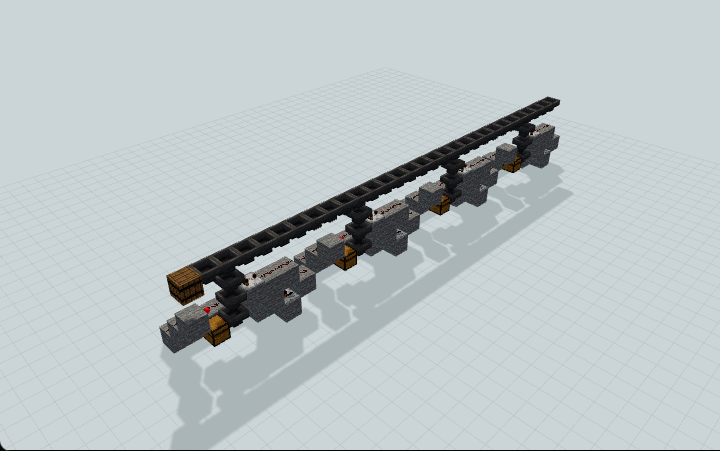
These sampled counts show materials by Y-level, relative to the schematic. For block positions, open Layers in the 3D Playground.
- Y=0: 9 placed blocks · Polished Deepslate 6, Dirt 3
- Y=1: 35 placed blocks · Polished Deepslate 22, Cyan Stained Glass 9, Waxed Cut Copper 4
- Y=2: 18 placed blocks · Cyan Stained Glass 9, Polished Deepslate 5, Piston 3, Polished Deepslate Stairs 1
- Y=3: 31 placed blocks · Polished Deepslate 7, Waxed Cut Copper 6, Cyan Stained Glass 5, Redstone Dust 4
- Y=4: 20 placed blocks · Cyan Stained Glass 12, Glass 6, Waxed Cut Copper 2