Compact 2x2 Piston Door
Flush 2x2 Jeb piston door inside a 3-block-thick core with dual-sided button toggle via a copper bulb T-flip-flop and zero block entities, suited for flush base walls and hidden rooms.
- Minecraft Java
- Sponge .schem · Litematica .litematic
- 7 × 6 plot · 5 high
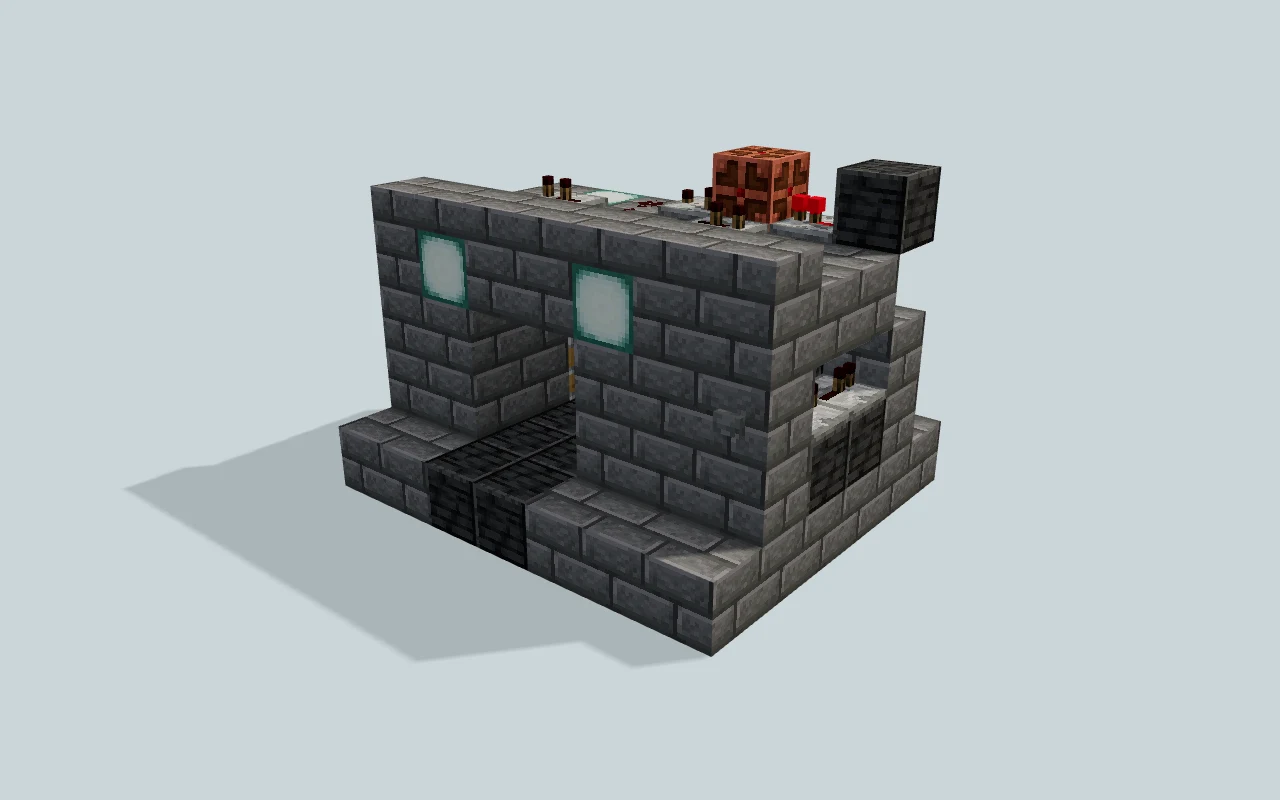
WorldEdit .schem selected. A native .litematic file is also available.
Redstone Door
- Placed blocks
- 132
- Material families
- 11


Interactive 3D
Installation & Quick Start
Paste the 7x5x6 assembly straight into a base wall with no fluid or item setup, then press either stone button to toggle the flush 2x2 stone-brick passage.
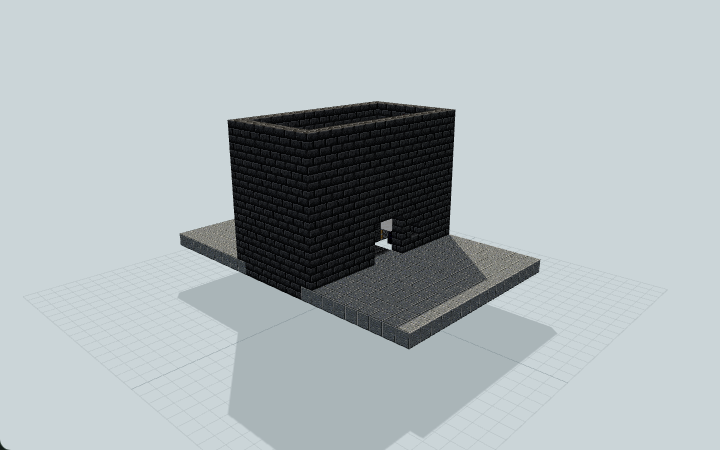
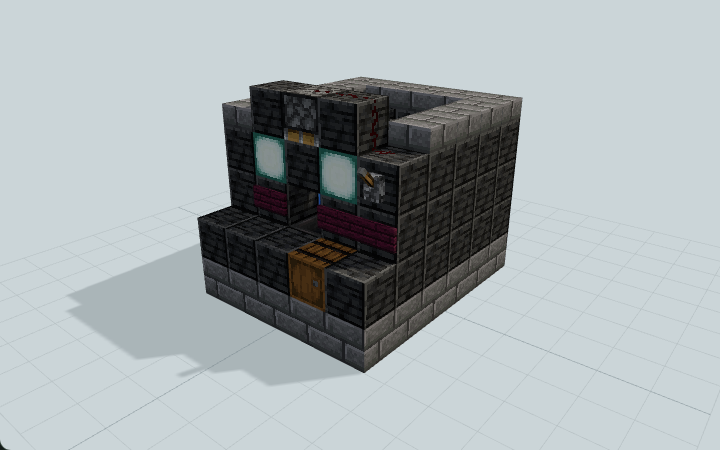
Pasted open with zero block entities and ready to use immediately. Embed the 3-block-thick stone-brick core into an ordinary wall and press the front-right or rear-left stone button to toggle the flush 2x2 doorway.
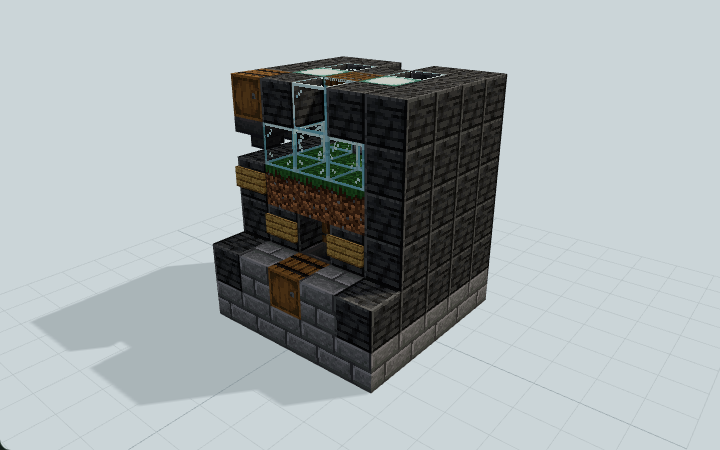
Contains zero block entities (verified schema-3 zero-BE redstone). Front facade closes completely flush while the rear doorway recesses 1 block to the sticky pistons; open/close cycles complete in under 1 second (0.5-0.6s measured).
Human reviewed through MinePilot’s existing review workflow.
Fit and import
- Align Flush Wall: Paste the schematic in its default OPEN state with the front stone-brick wall aligned flush to your room corridor and the 2-wide polished-deepslate floor centered on your path.
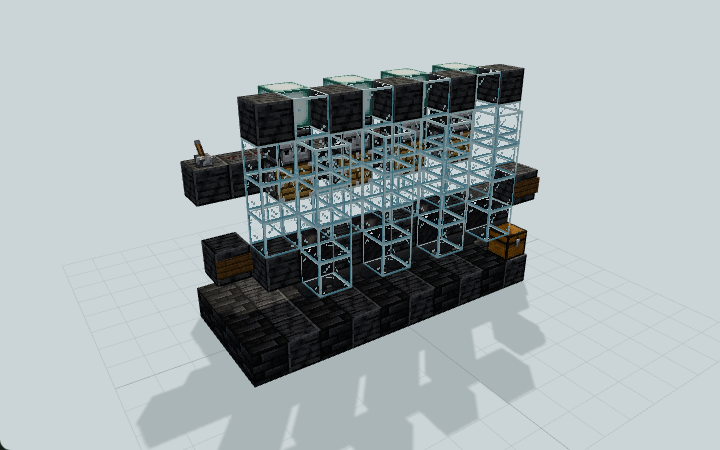
- Toggle From Either Side: Press the front-right stone button (or the rear-left stone button from inside) to flip the overhead copper bulb T-flip-flop and cycle all 12 sticky pistons.
- Customize Cladding: Replace the four stone-brick door blocks and surrounding facade with any pushable solid building block to match your hallway while leaving the top wiring deck clear.
Choose an available file above and complete its protected download. Follow the import guide for your tool, start in a backup world and inspect the paste origin before placing the build.
Zero-BlockEntity sticky-piston door; Litematica client placement unverified (parser equivalence verified). Keep top copper-bulb T-flip-flop and side ABBA relays clear of solid obstructions.
Tested with Minecraft Java 26.3 and WorldEdit 7.4.6.
Advertisement
Quick Start
Paste the 7x5x6 assembly straight into a base wall with no fluid or item setup, then press either stone button to toggle the flush 2x2 stone-brick passage.
- 1
Align Flush Wall
Paste the schematic in its default OPEN state with the front stone-brick wall aligned flush to your room corridor and the 2-wide polished-deepslate floor centered on your path.
- 2
Toggle From Either Side
Press the front-right stone button (or the rear-left stone button from inside) to flip the overhead copper bulb T-flip-flop and cycle all 12 sticky pistons.
- 3
Customize Cladding
Replace the four stone-brick door blocks and surrounding facade with any pushable solid building block to match your hallway while leaving the top wiring deck clear.
Contains zero block entities (verified schema-3 zero-BE redstone). Front facade closes completely flush while the rear doorway recesses 1 block to the sticky pistons; open/close cycles complete in under 1 second (0.5-0.6s measured).
Materials & layers
132 placed blocks across 11 material families. Counts group orientation and state variants; they are placed positions, not crafting recipes. Beds and doors occupy multiple positions.
| Material | Placed |
|---|---|
| Stone Bricks | 77 |
| Polished Deepslate | 15 |
| Sticky Piston | 12 |
| Redstone Dust | 7 |
| Stone Brick Slab | 7 |
| Repeater | 5 |
All 11 material families and exact states
Placed block counts · stack equivalents, not crafting ingredients. Expand for exact BlockStates.
 Stone Bricks771×64 + 13
minecraft:stone_bricks× 77 Polished Deepslate15Placed blocks
minecraft:polished_deepslate× 15 Sticky Piston1212 / 64 stack
minecraft:sticky_piston[extended=false,facing=east]× 4minecraft:sticky_piston[extended=false,facing=north]× 4minecraft:sticky_piston[extended=false,facing=west]× 4 Redstone Dust77 / 64 stack
minecraft:redstone_wire[east=none,north=none,power=0,south=side,west=none]× 2minecraft:redstone_wire[east=none,north=side,power=0,south=none,west=side]× 2minecraft:redstone_wire[east=side,north=none,power=0,south=none,west=side]× 1minecraft:redstone_wire[east=side,north=none,power=0,south=side,west=side]× 1minecraft:redstone_wire[east=side,north=side,power=0,south=none,west=none]× 1 Stone Brick Slab77 / 64 stack
minecraft:stone_brick_slab[type=bottom,waterlogged=false]× 7 Repeater55 / 64 stack
minecraft:repeater[delay=1,facing=north,locked=false,powered=false]× 2minecraft:repeater[delay=1,facing=west,locked=false,powered=true]× 1minecraft:repeater[delay=2,facing=east,locked=false,powered=false]× 1minecraft:repeater[delay=2,facing=west,locked=false,powered=false]× 1 Sea Lantern4Placed blocks
minecraft:sea_lantern× 4Stone Button2Placed blocks
minecraft:stone_button[face=wall,facing=north,powered=false]× 1minecraft:stone_button[face=wall,facing=south,powered=false]× 1 Comparator11 / 64 stack
minecraft:comparator[facing=west,mode=compare,powered=false]× 1Copper Bulb1Placed blocks
minecraft:copper_bulb[lit=false,powered=true]× 1 Redstone Torch11 / 64 stack
minecraft:redstone_torch[lit=true]× 1Layer overview · 5 of 5 occupied layers
These sampled counts show materials by Y-level, relative to the schematic. For block positions, open Layers in the 3D Playground.
- Y=0: 42 placed blocks · Stone Bricks 30, Polished Deepslate 12
- Y=1: 20 placed blocks · Stone Bricks 12, Sticky Piston 4, Polished Deepslate 2
- Y=2: 22 placed blocks · Stone Bricks 12, Sticky Piston 4, Repeater 2
- Y=3: 28 placed blocks · Stone Bricks 23, Sea Lantern 4, Redstone Torch 1
- Y=4: 20 placed blocks · Stone Brick Slab 7, Redstone Dust 5